While it is not possible to turn the timer bar off, you can reduce the difficulty of tasks for the student.
The objective in setting a time limit for each response is to facilitate rapid, automatic recognition of the targets to be learnt. The timer bar allows approximately 22 seconds for a response in the grapheme knowledge and blending/decoding tasks and approximately 40 seconds per response for each letter to be pressed in the segmentation/spelling tasks.
Here are some things you could do to reduce the difficulty of the tasks for these students:
- Place the students at a lower level of difficulty in their phonics sequence (you can see how to do that here)
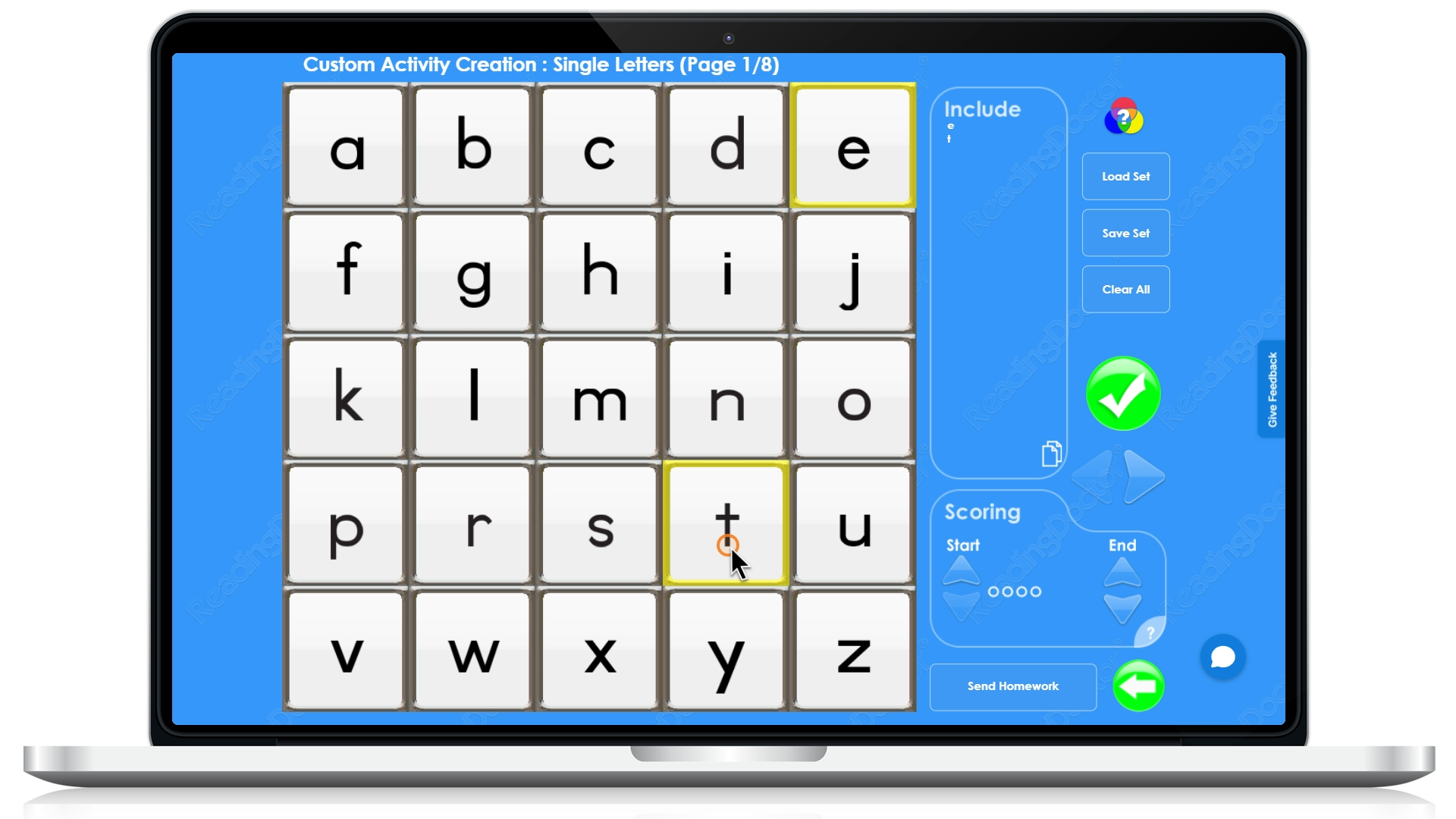
- Use the Educator Loginto set up some custom activities with fewer items than the number of items at the lowest level of the phonics sequence for the student:
- Use the Educator Login to create custom activities with a higher level of scaffolding support for the students:
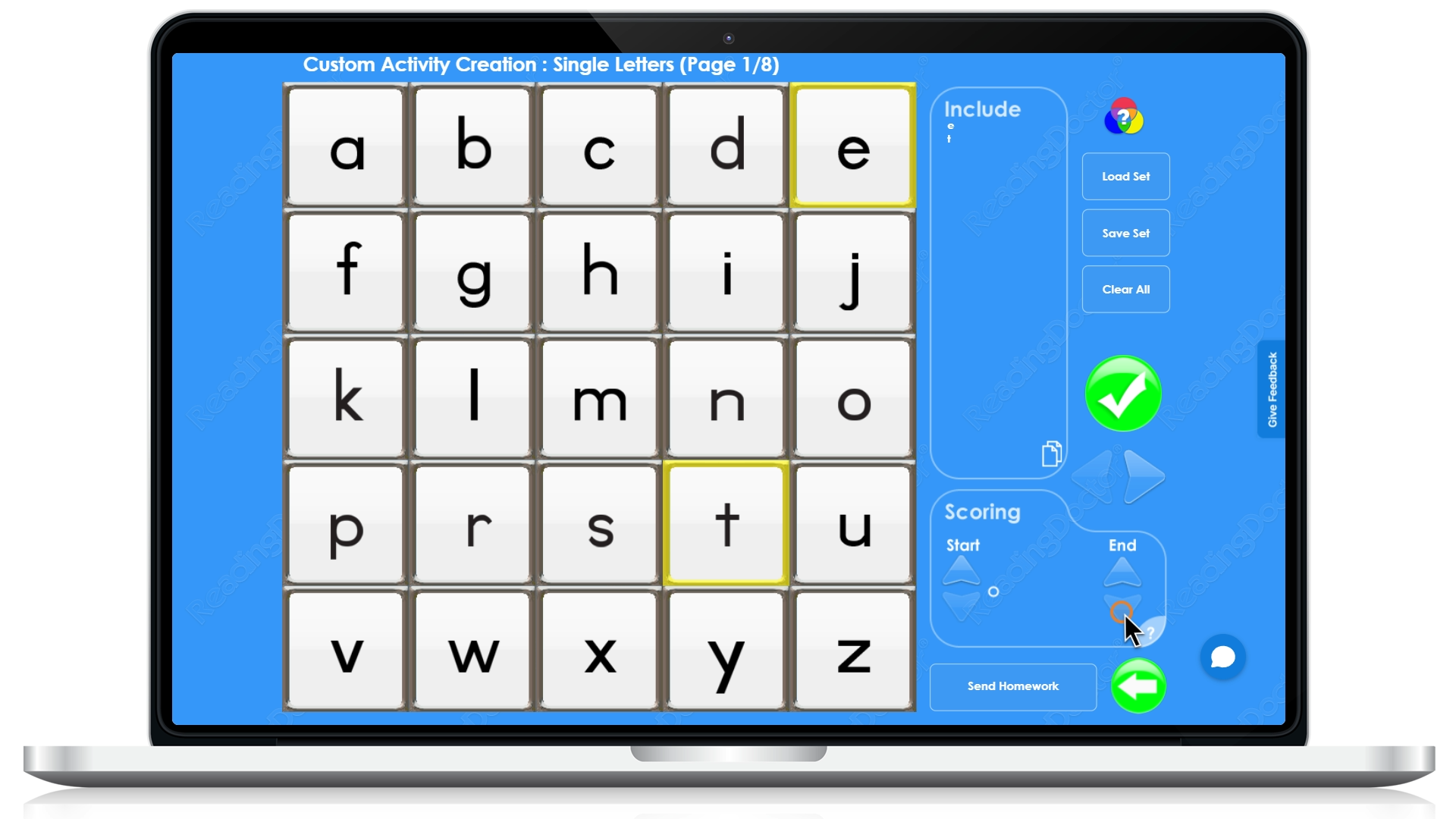
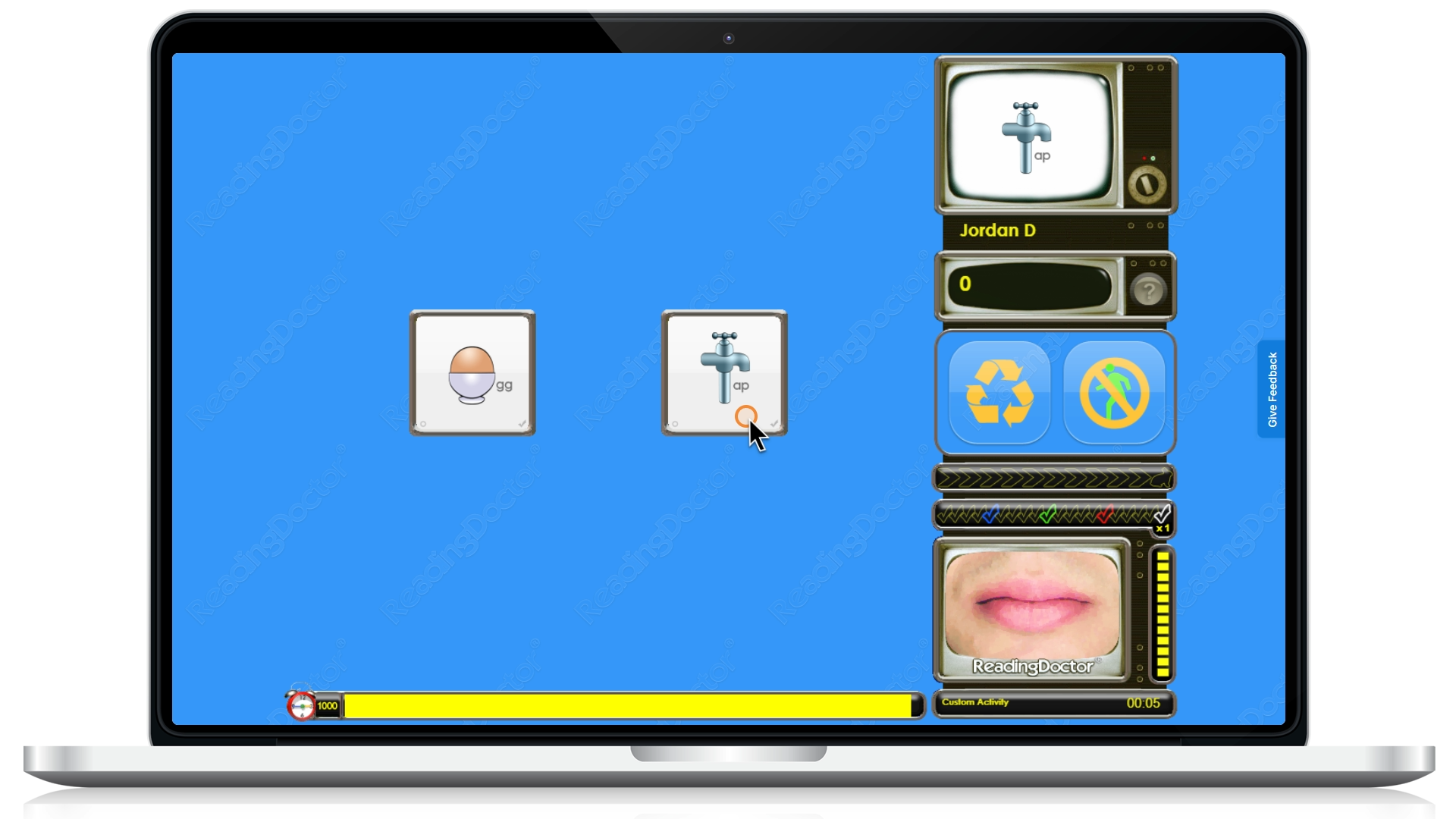
In this way rather than removing the timer, you have provided the student with more help and easier/fewer targets. You could then have the student do these activities with your guidance until the student has increased their skills/confidence before attempting the regular educational sequence.
Was this article helpful?
That’s Great!
Thank you for your feedback
Sorry! We couldn't be helpful
Thank you for your feedback
Feedback sent
We appreciate your effort and will try to fix the article