You can turn off the High Scores screen in ReadingDoctor® Online using the Educator Login options.
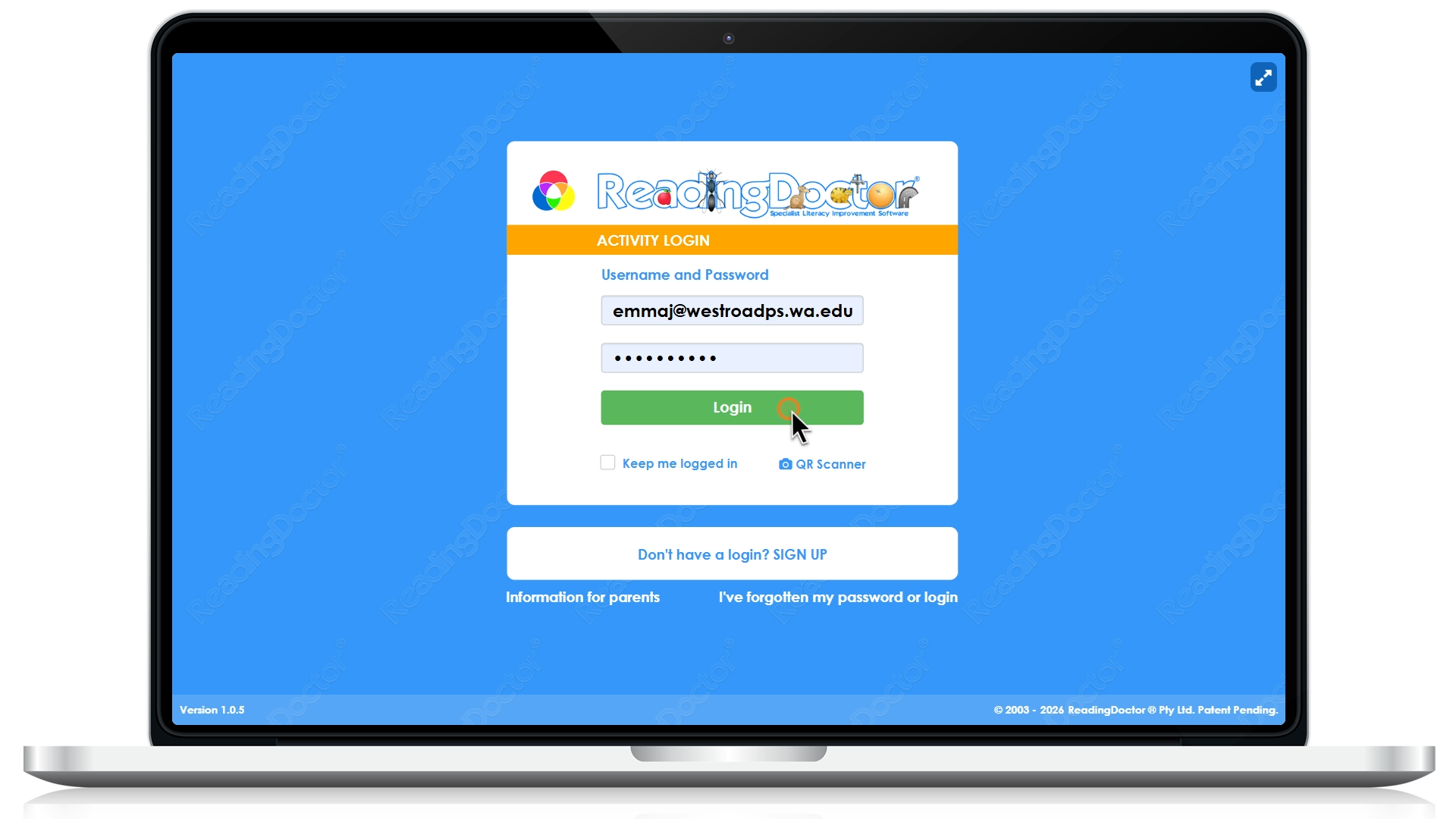
- Go to https://login.readingdoctor.com and log in with your educator credentials:
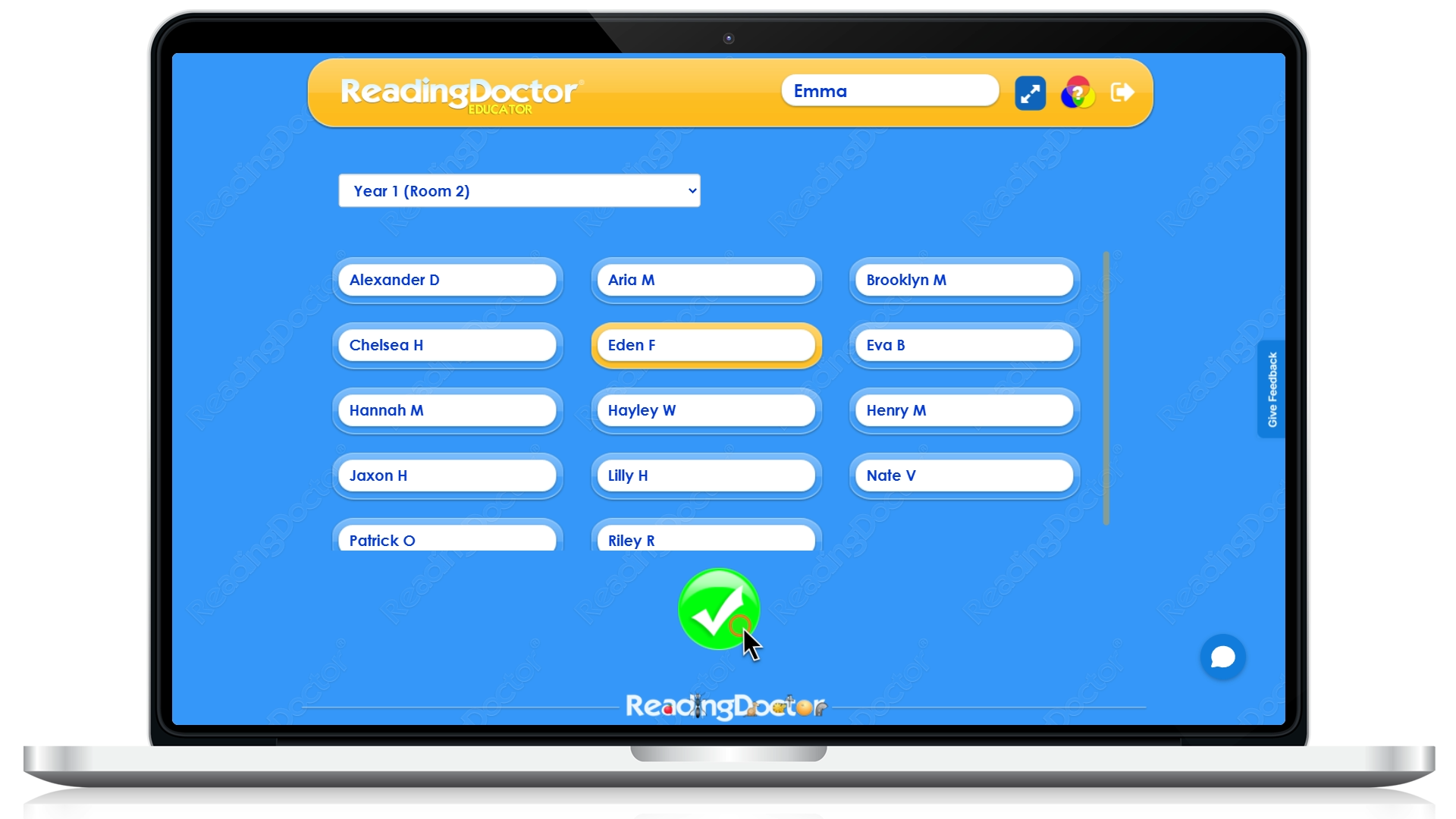
- Select the student you want to turn off the high score screen for and press the tick:
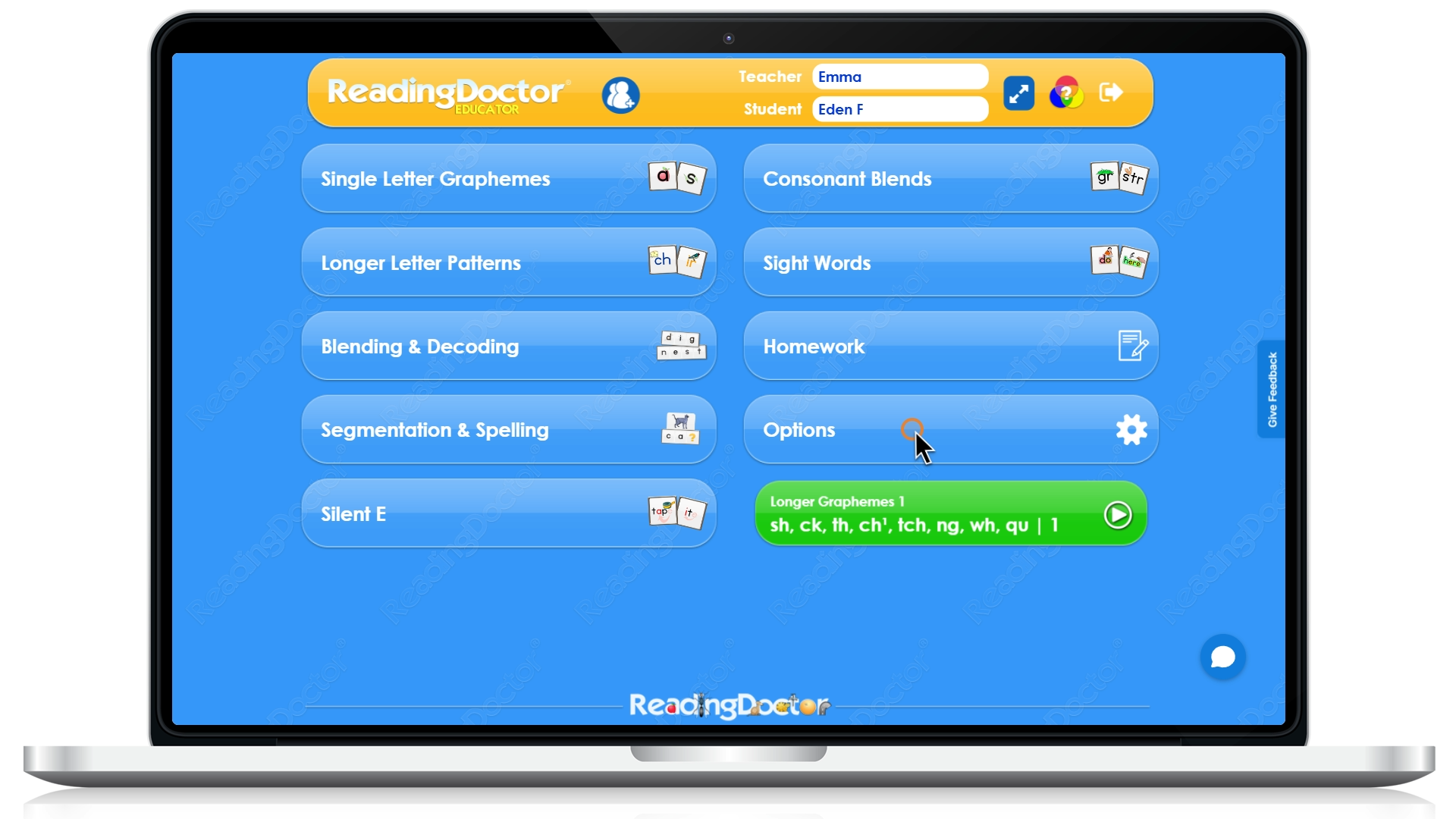
- Open Options:
- Find High Scores and set it to Don't Show:
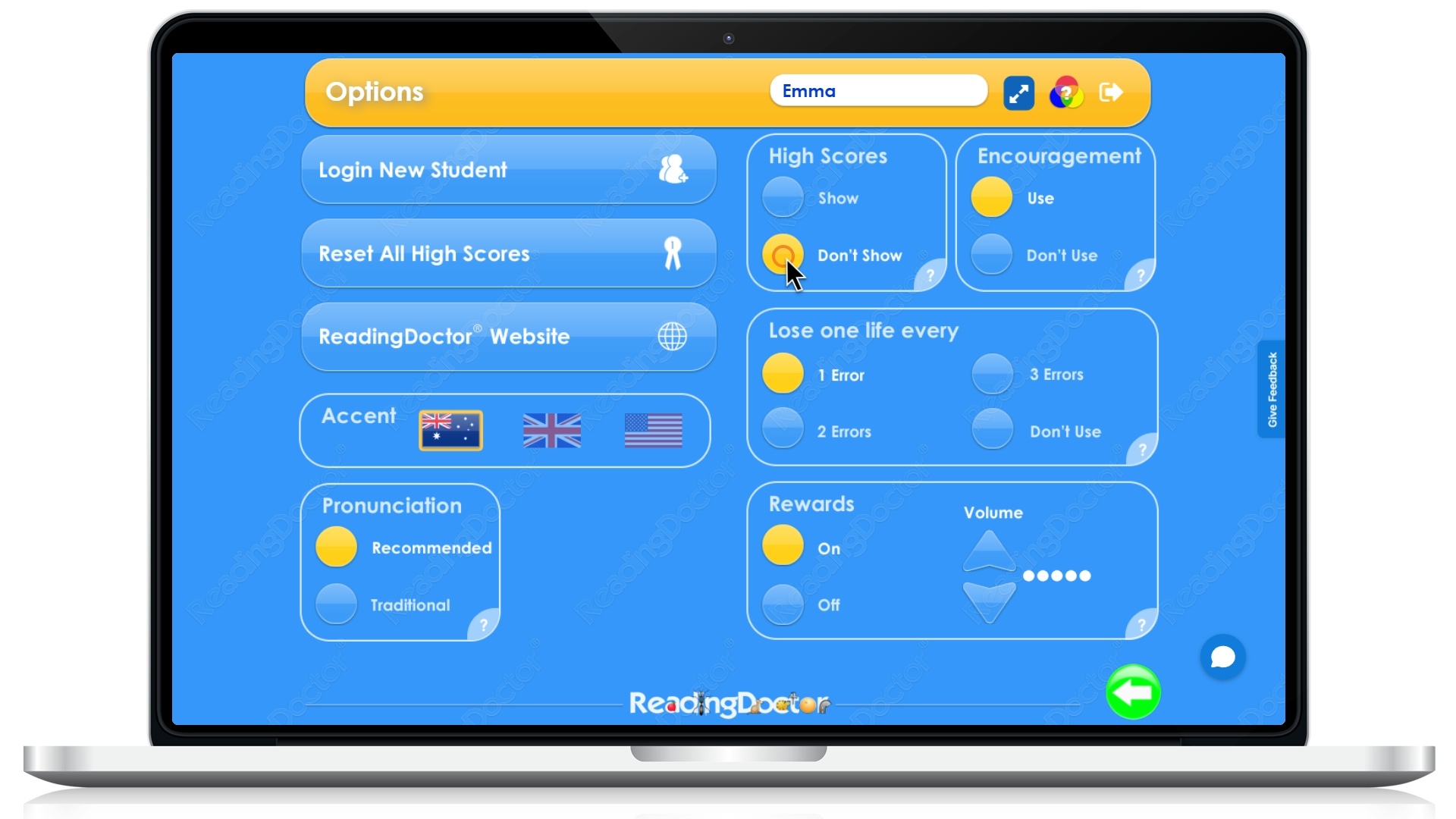
The next time the student completes an activity, the high score screen will not be shown.
If you cannot see the Options menu, please ensure you are logging in using your educator credentials.
Was this article helpful?
That’s Great!
Thank you for your feedback
Sorry! We couldn't be helpful
Thank you for your feedback
Feedback sent
We appreciate your effort and will try to fix the article