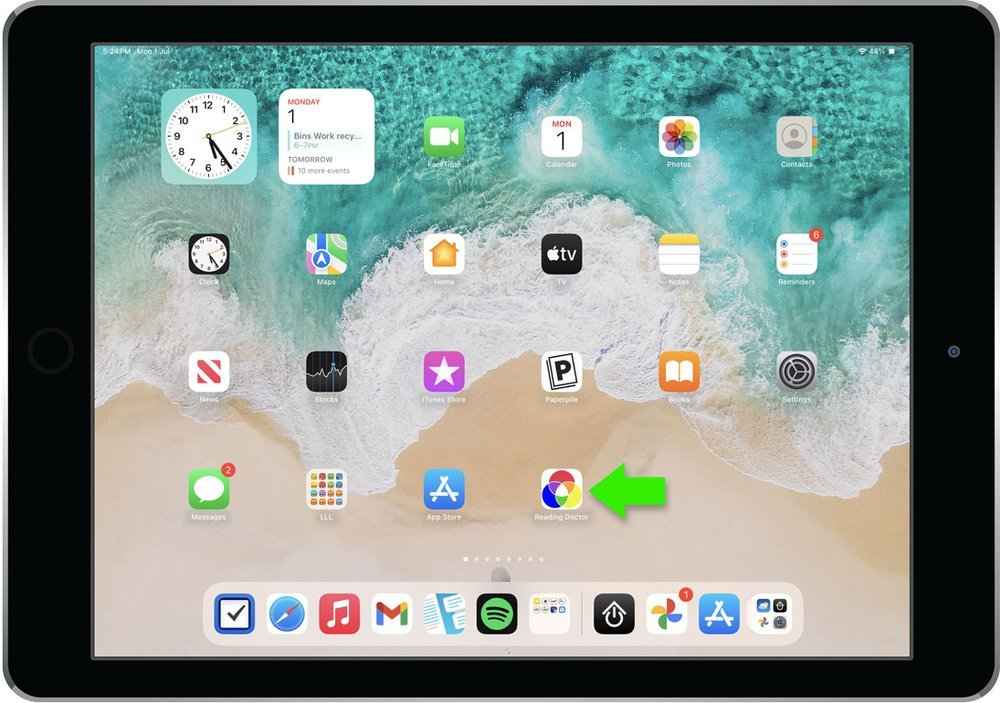
Yes. You can use ReadingDoctor® Online on an iPad by downloading the free ReadingDoctor® Online iPad app from the App Store.
- Download and open the ReadingDoctor® Online iPad app.
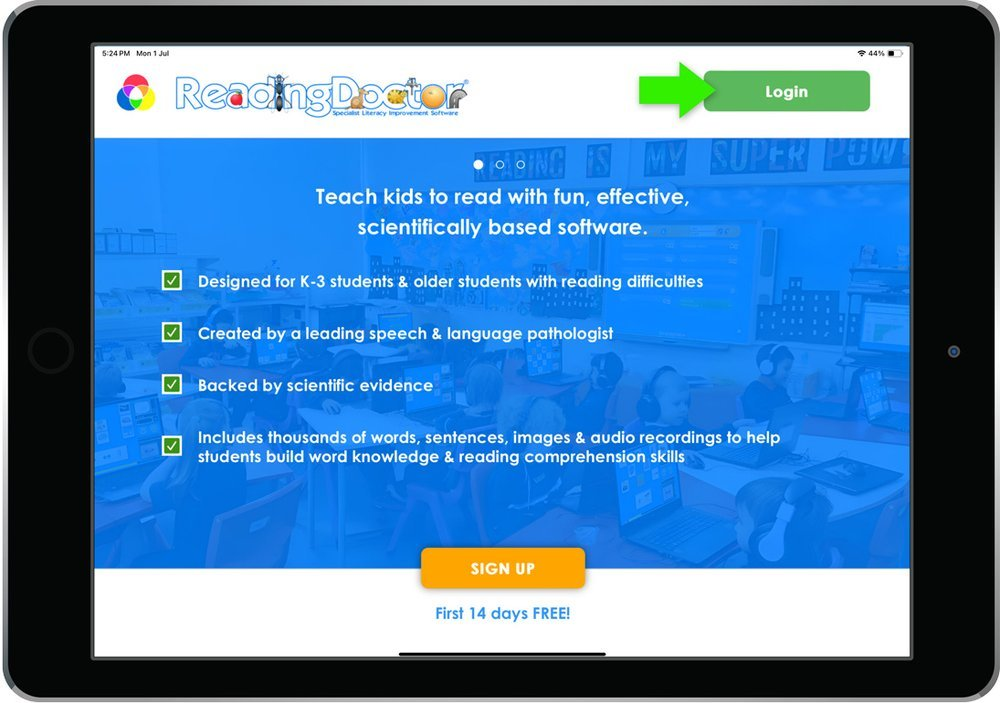
- Tap Login.
- Enter your child’s usual username and password, then tap Login.
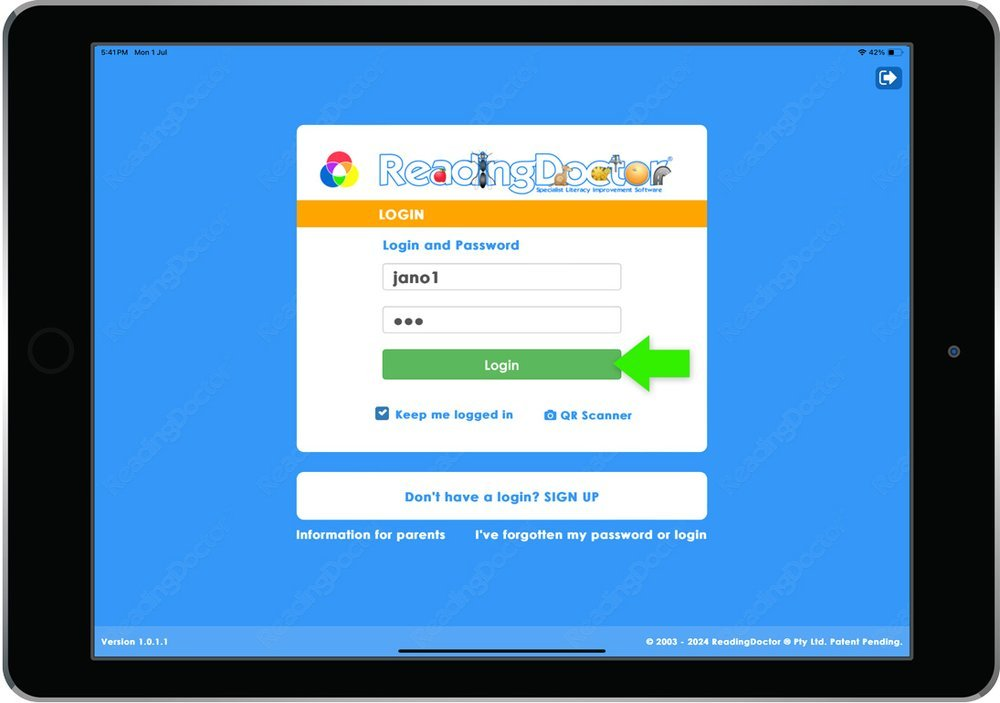
Your child can also use a QR code instead of a Username and Password to log in (you can print those from your Parent Dashboard).
If your child uses ReadingDoctor® Online through their school, the same login details should work at home. If you do not have their login details, please ask their teacher. If you have a home account and cannot find your login details, please let us know and we can help.
Was this article helpful?
That’s Great!
Thank you for your feedback
Sorry! We couldn't be helpful
Thank you for your feedback
Feedback sent
We appreciate your effort and will try to fix the article