To check where your students are up to in ReadingDoctor® Online, use the ReadingDoctor® Dashboard reports:
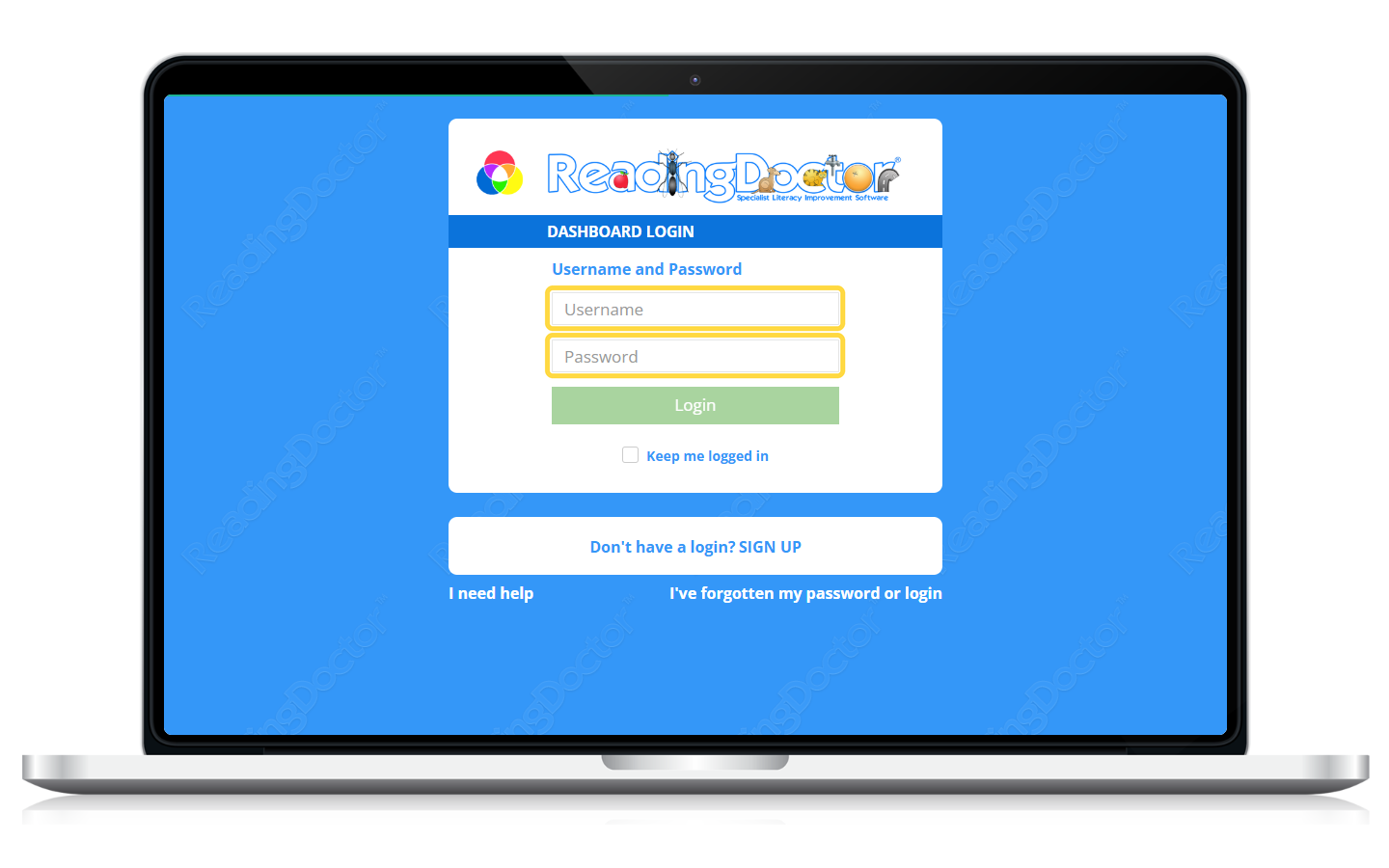
- Log in to the Dashboard: https://dashboard.readingdoctor.com
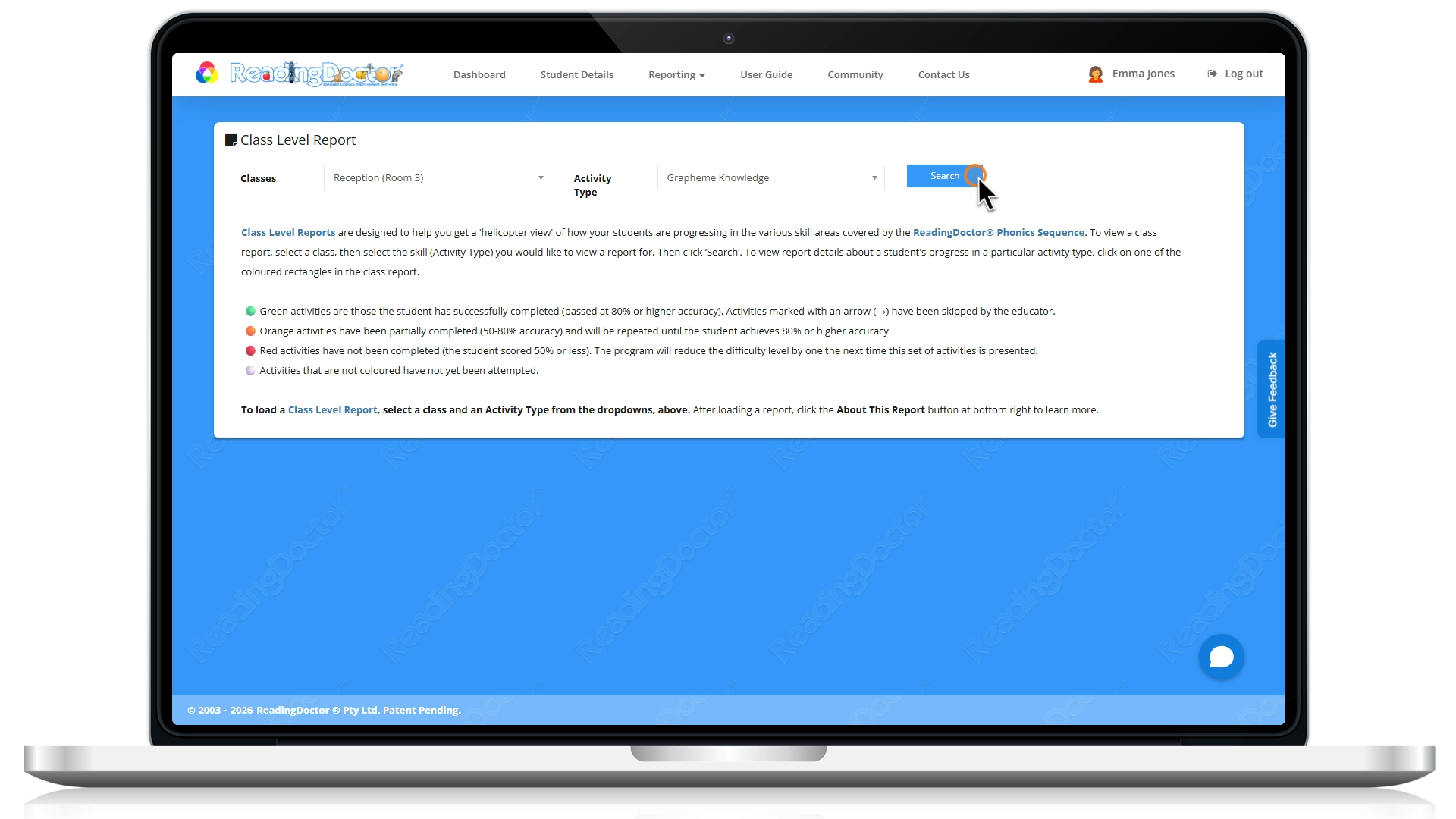
- Open Reporting, then select Class Level Reports.

- Select the class and the Activity Type. then click Searchto load the report.
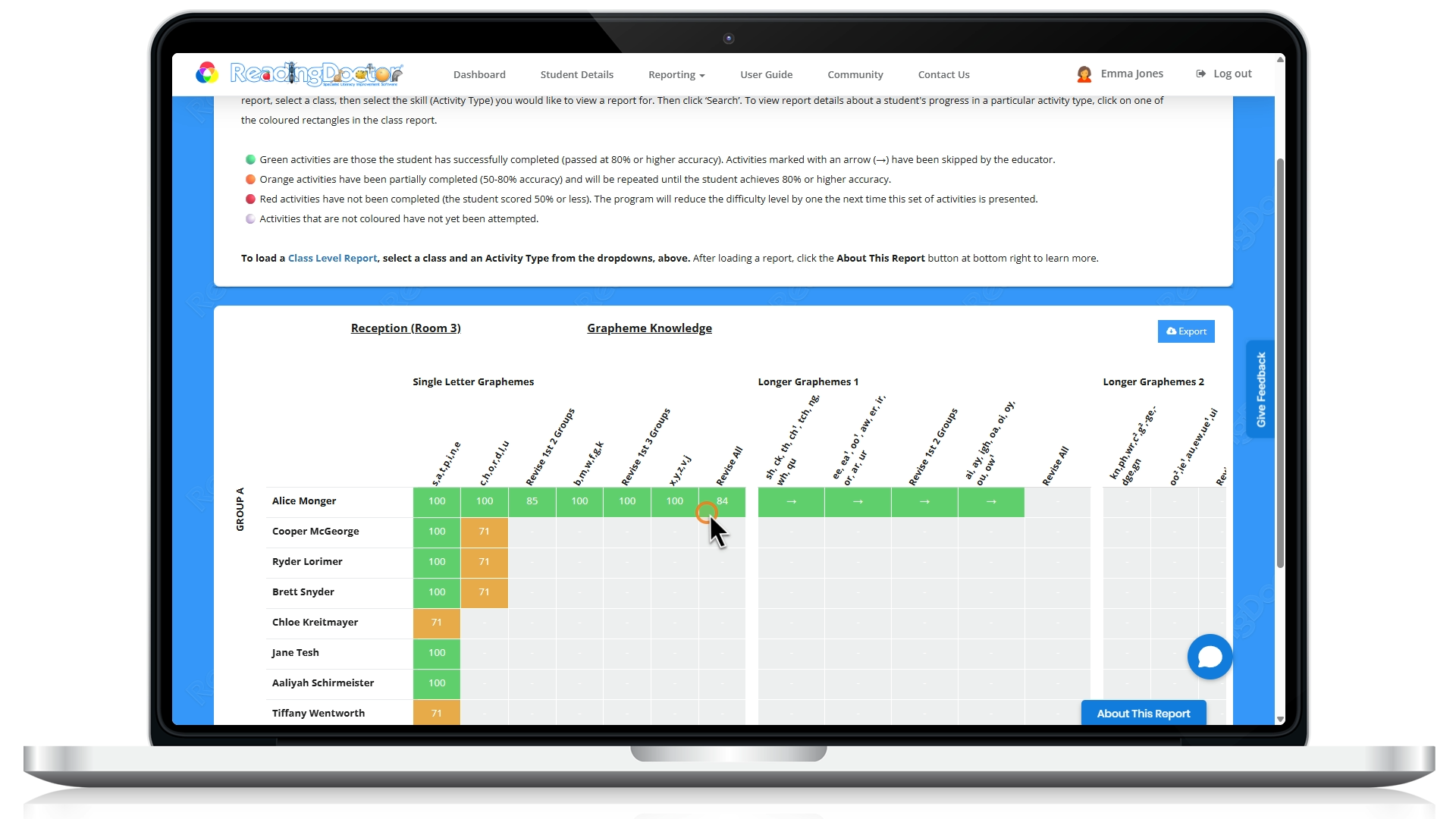
- Use the coloured rectangles to drill into each student’s progress and activity data.
If the page shows Loading..., wait a little longer before retrying, it can take a moment to render class data.
For more information, please see the Educator User Guide's Progress Reports section:
Was this article helpful?
That’s Great!
Thank you for your feedback
Sorry! We couldn't be helpful
Thank you for your feedback
Feedback sent
We appreciate your effort and will try to fix the article