Yes, you do this in your eadingDoctor® Dashboard.
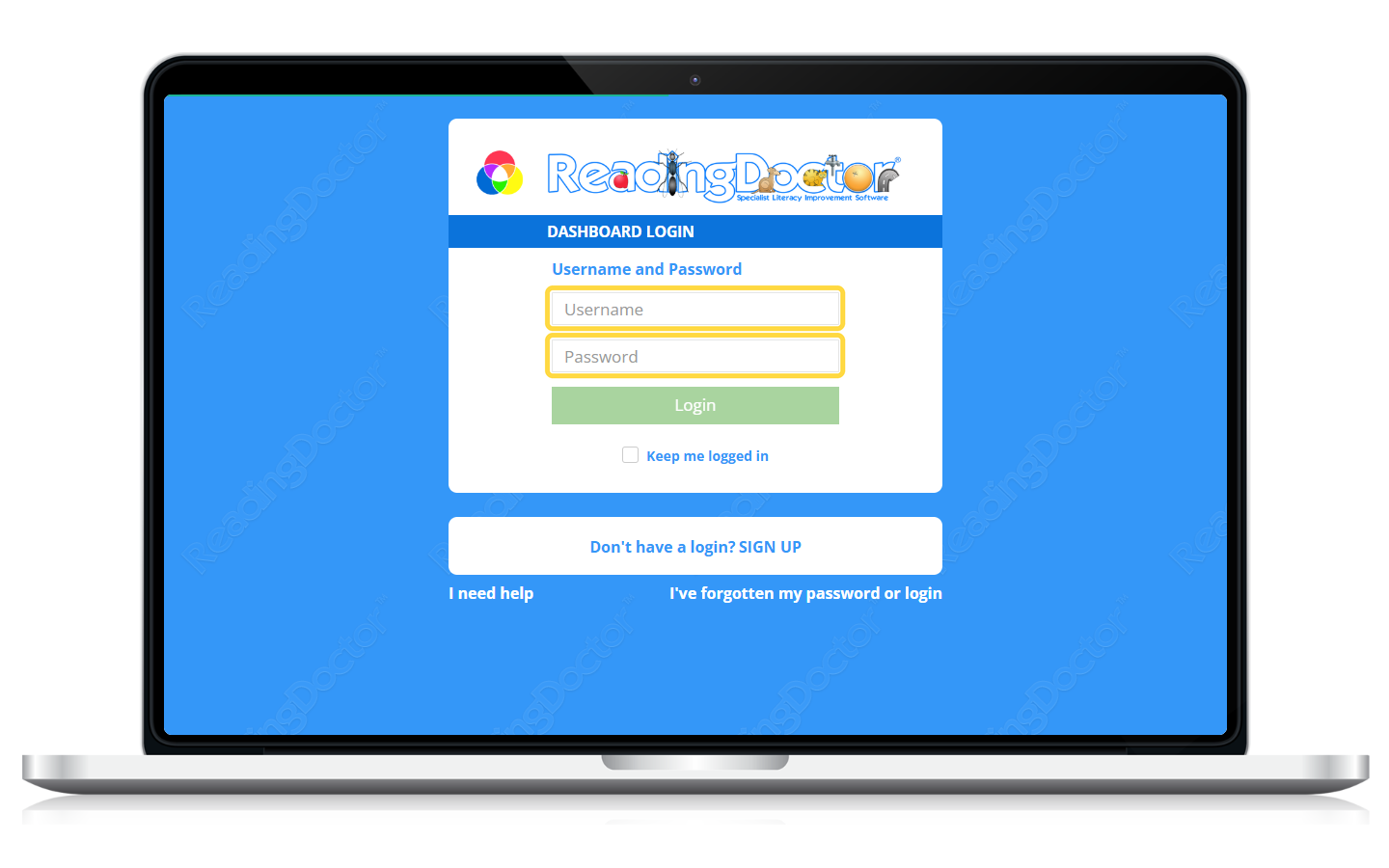
Please login to your Dashboard at https://dashboard.readingdoctor.com:
then change the student’s position in the sequence:
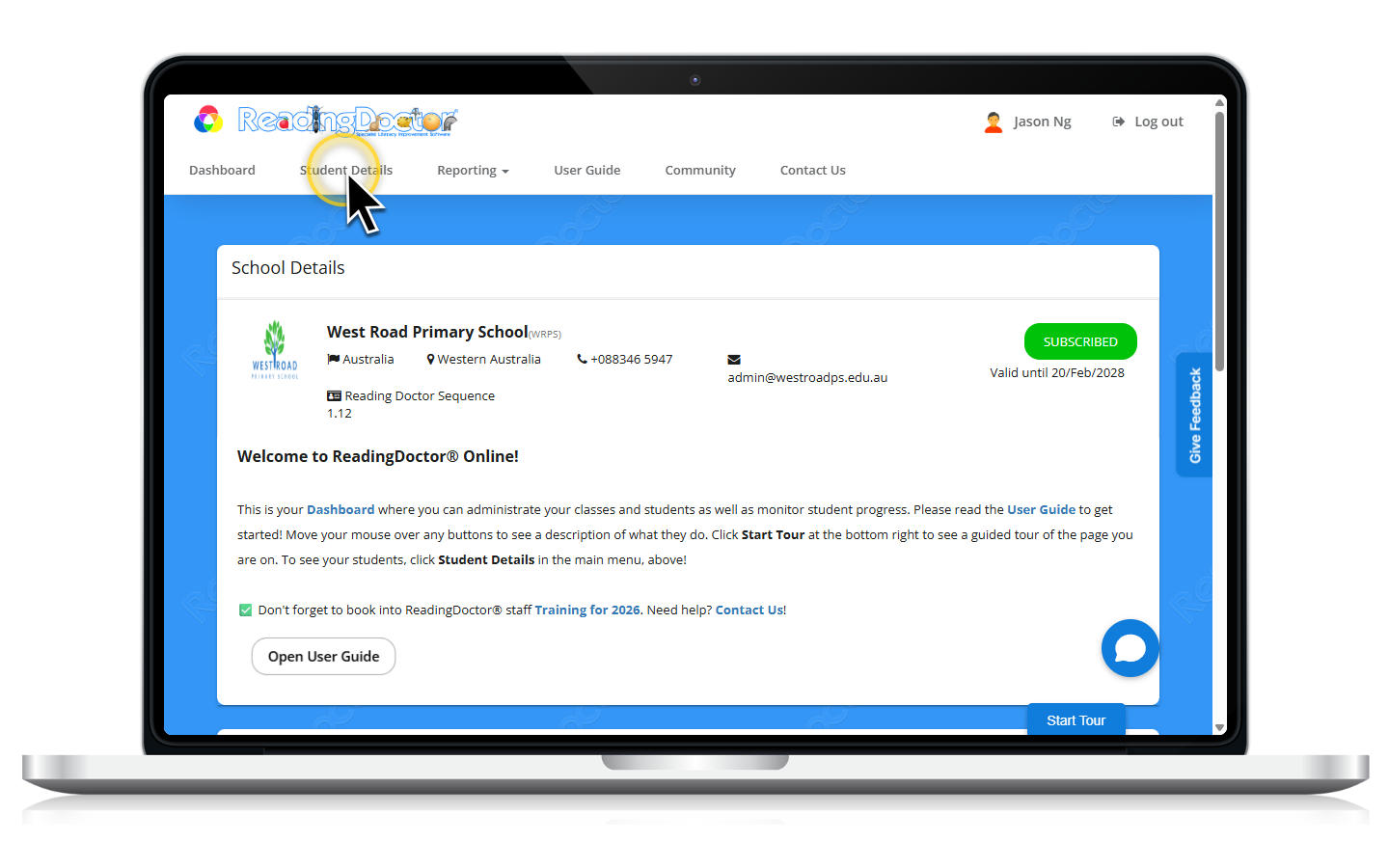
- Open Student Details
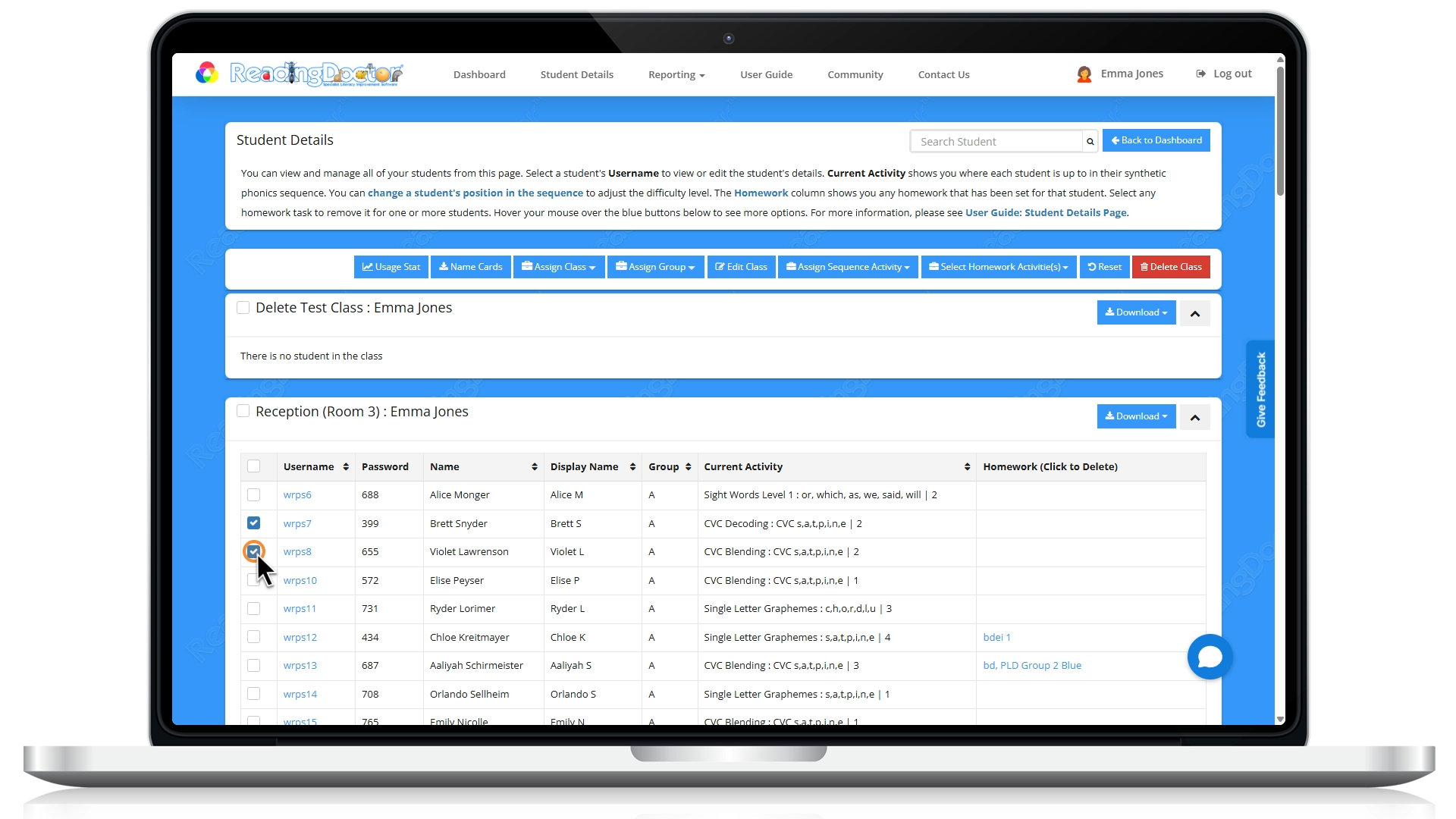
- Select one or more students (tick the checkbox next to their name)
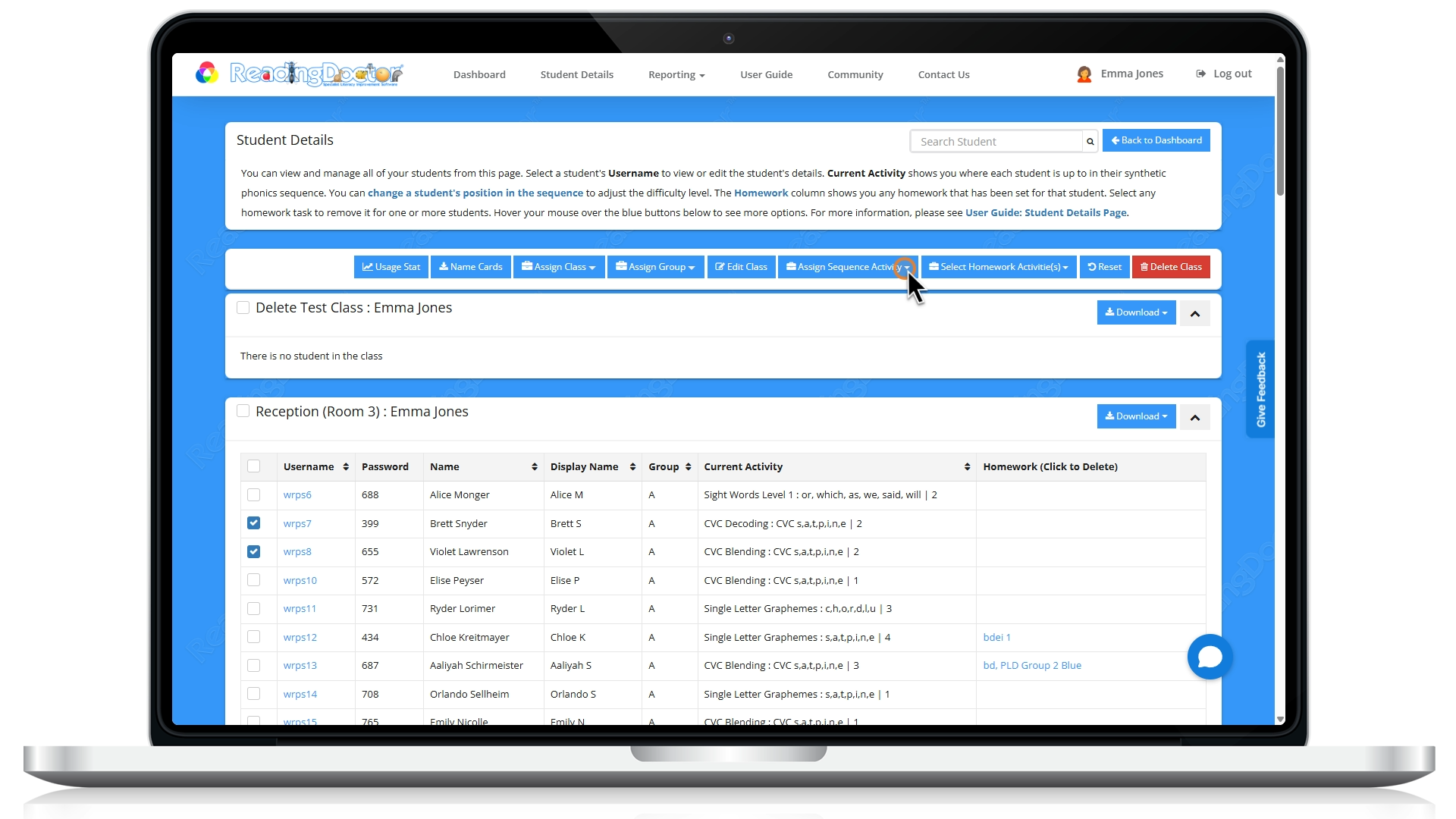
- Click Assign Sequence Activity
- In the sequence list, choose Part II - Intermediate Code or select the starting activity you want in Part II
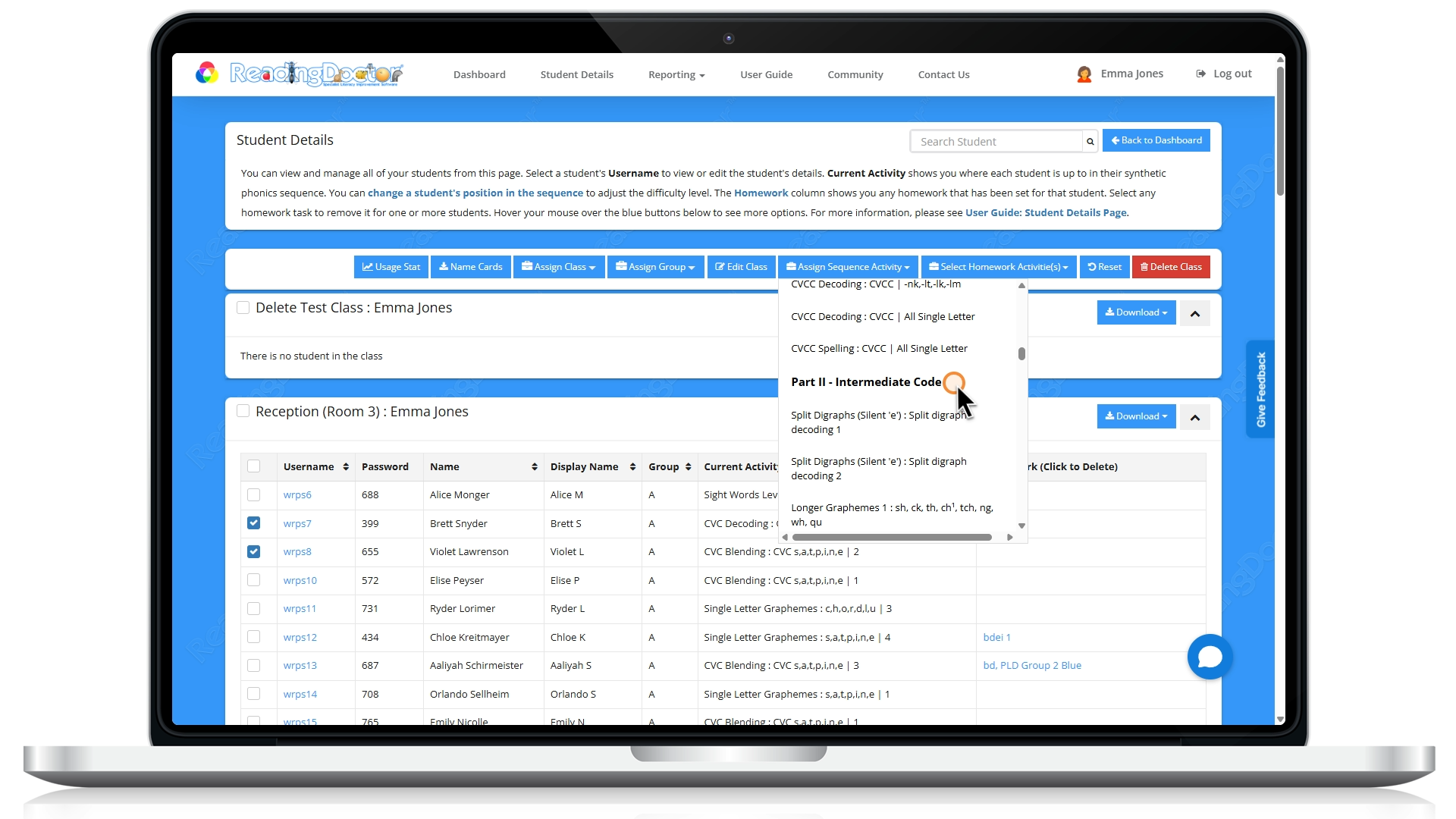
Next time the student logs in, their activities will begin at Part II of the sequence.
Was this article helpful?
That’s Great!
Thank you for your feedback
Sorry! We couldn't be helpful
Thank you for your feedback
Feedback sent
We appreciate your effort and will try to fix the article