Printing Name Cards for Educators
Use this guide to print educator Name Cards from the ReadingDoctor® Online Dashboard.
Requirements
- Account type: ReadingDoctor® Administrator
- Dashboard login details
- Access to the Teacher Details section
- A printer set up on your computer
Steps
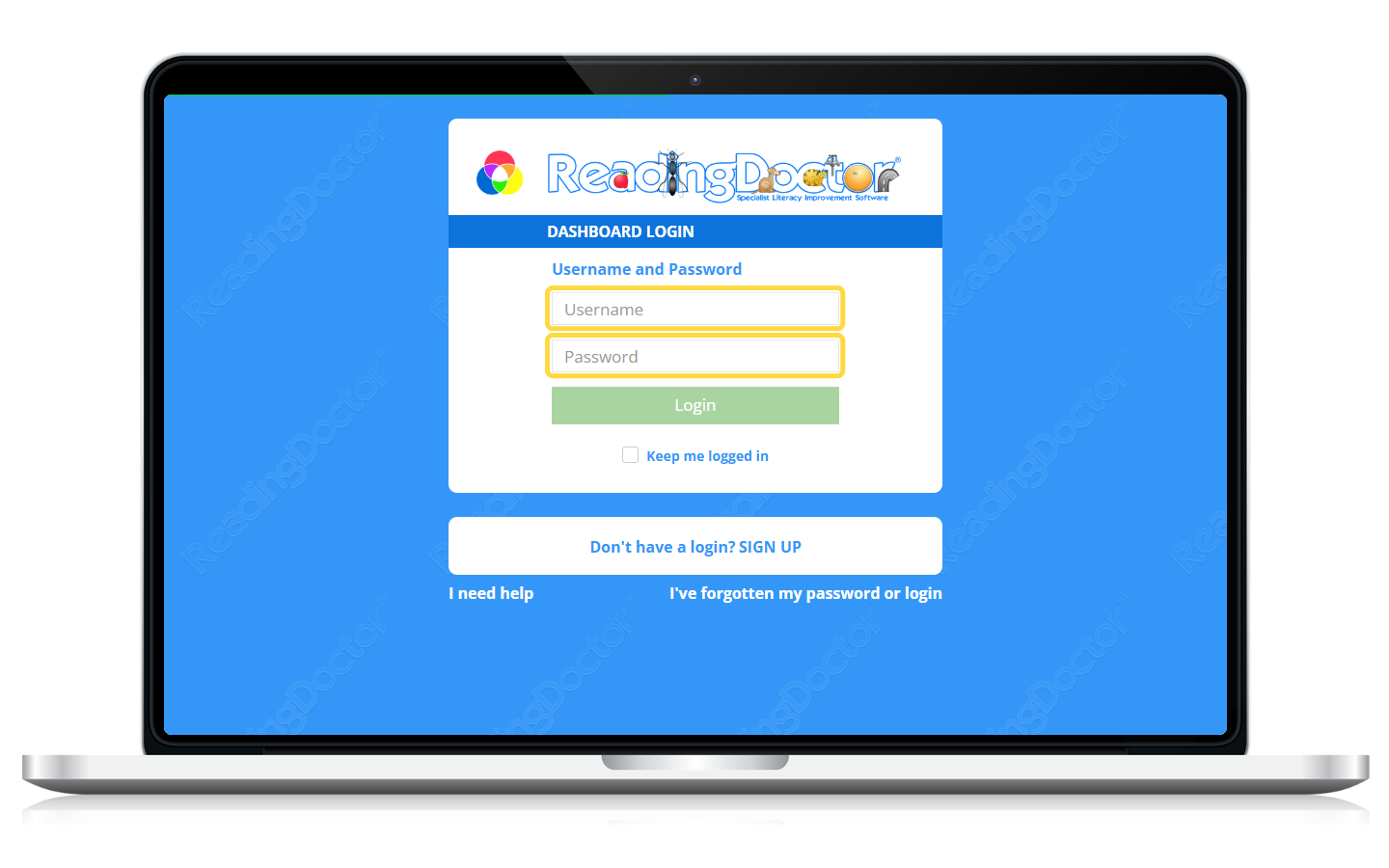
- Sign in to the Dashboard.
Go to https://dashboard.readingdoctor.com, then enter your username and password.
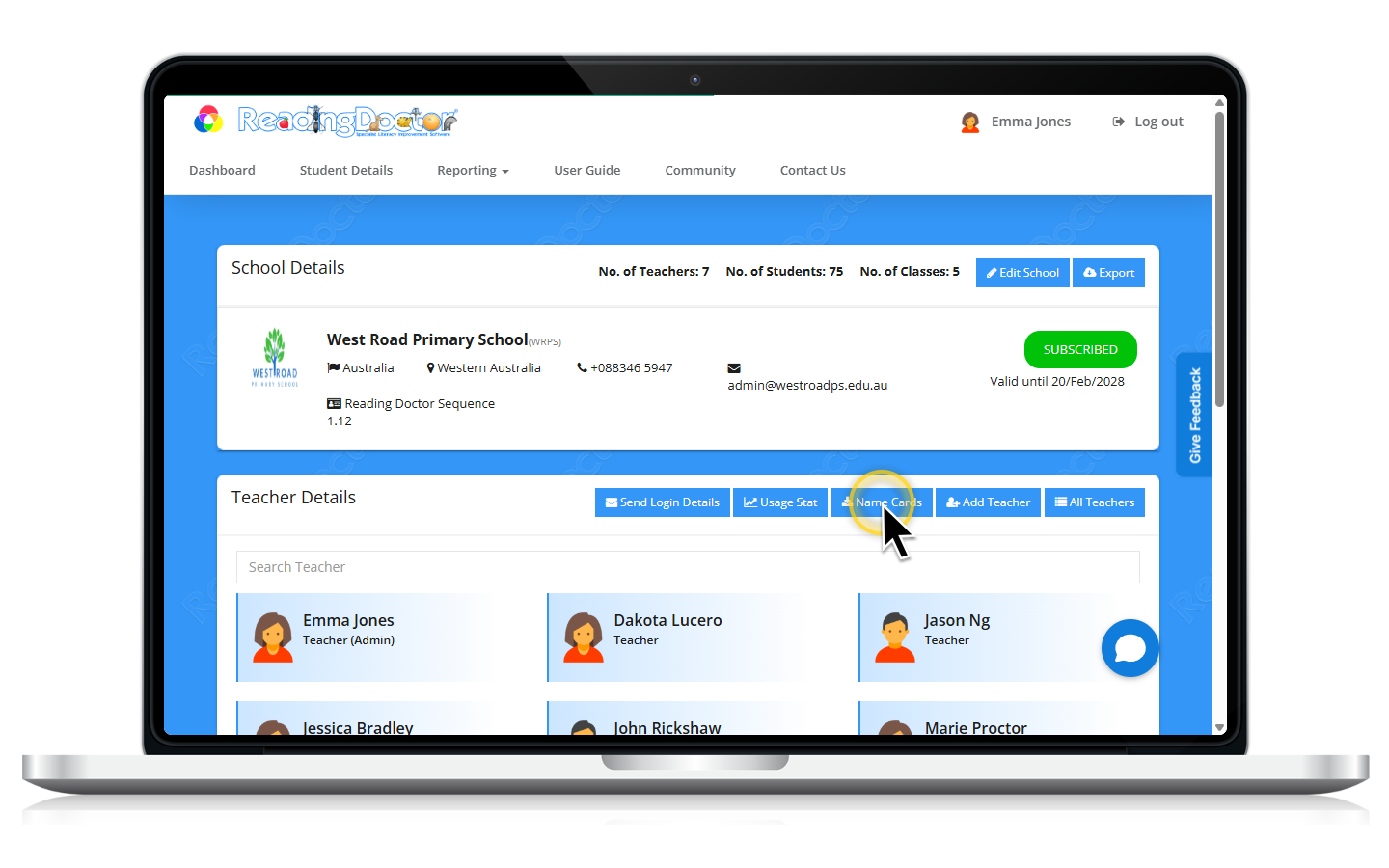
- In Teacher Details, click Name Cards.
- Review the educator Name Cards output, then click Print.
Use your browser’s print options to print or save the cards.
Notes
- If you do not see Name Cards in Teacher Details, sign in with a ReadingDoctor® Administrator account.
- Name Cards include educator login details and a QR code when available for that account type.
Was this article helpful?
That’s Great!
Thank you for your feedback
Sorry! We couldn't be helpful
Thank you for your feedback
Feedback sent
We appreciate your effort and will try to fix the article