How to view and edit student details
Use this guide to open a student record and update their details from Student Details.
Requirements
- Account type: ReadingDoctor® Administrator or teacher with Student Details permissions
- Dashboard login details for the account above
- Access to a computer browser
Steps
Open the Dashboard login page.
Go to https://dashboard.readingdoctor.com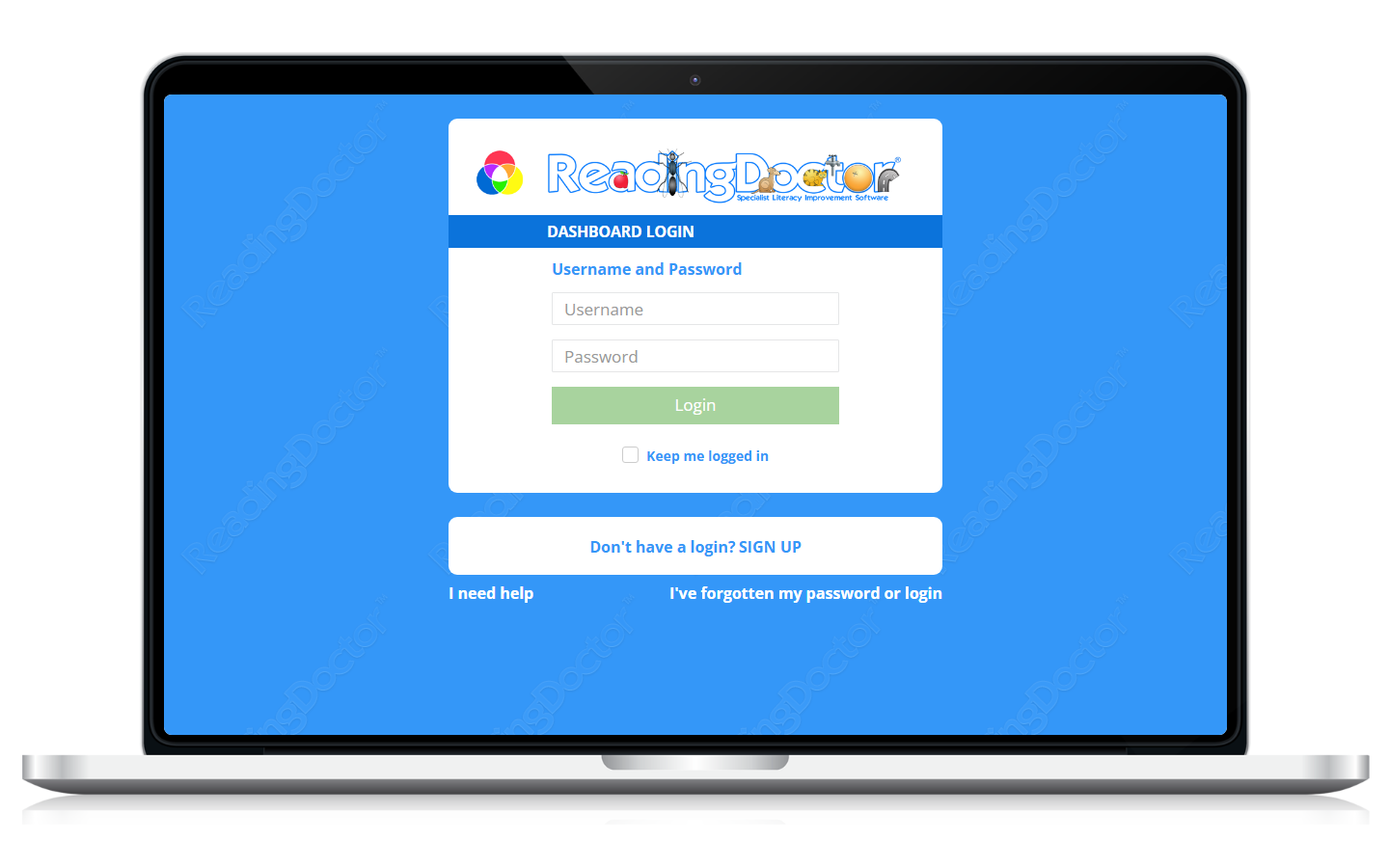
Log in to the Dashboard.
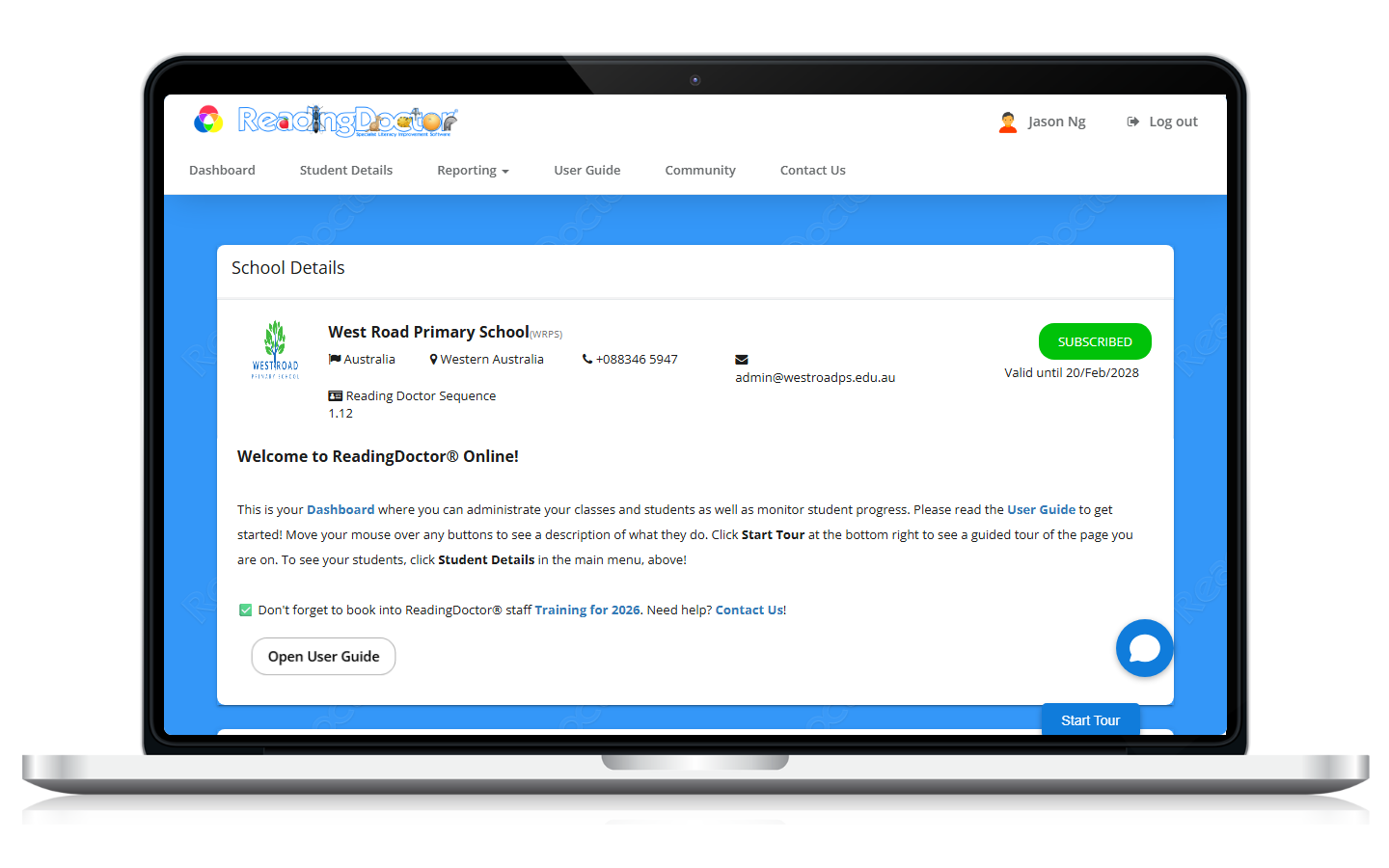
Open Student Details.
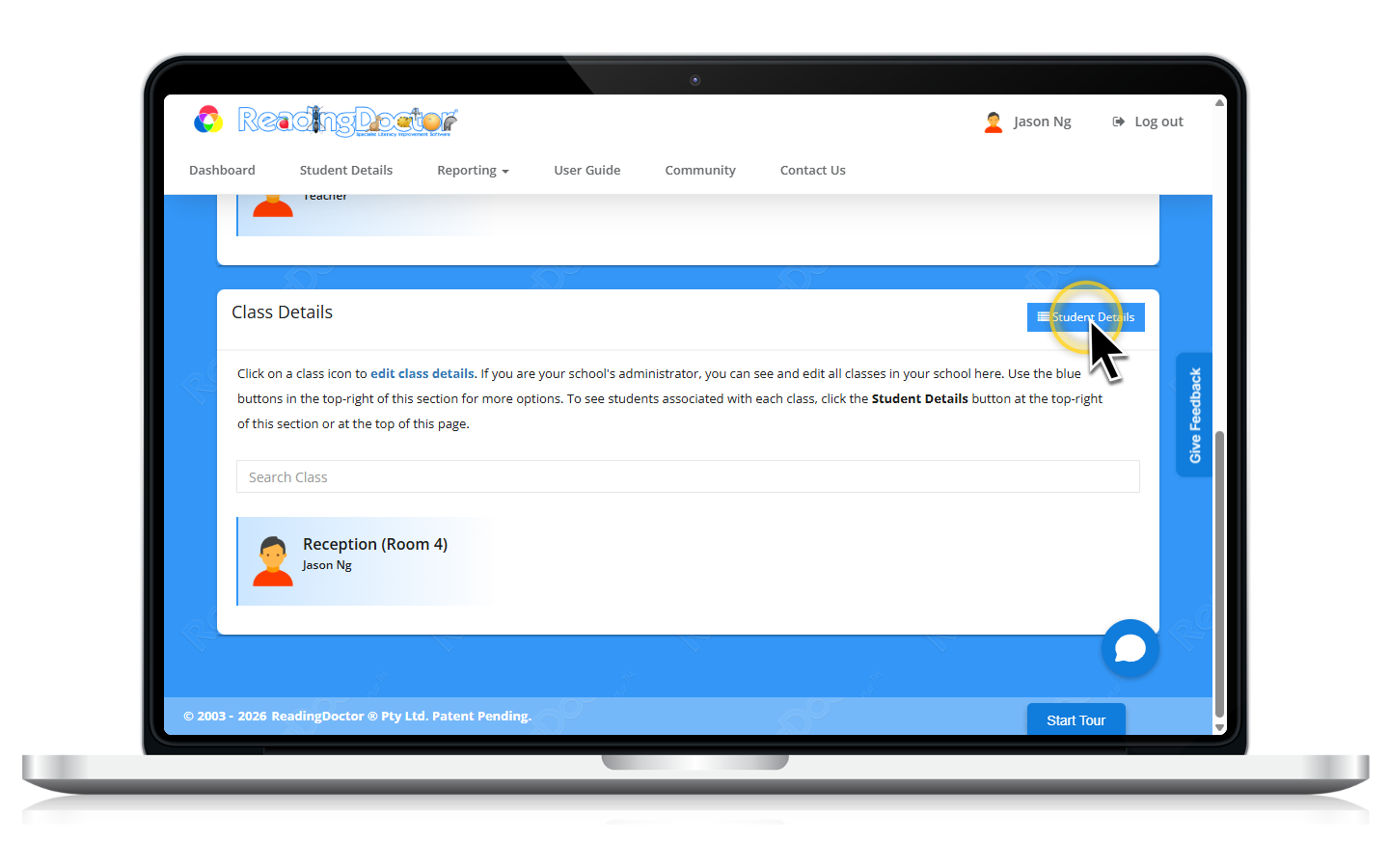
Find the student in the list.
Use the class section and search box if needed.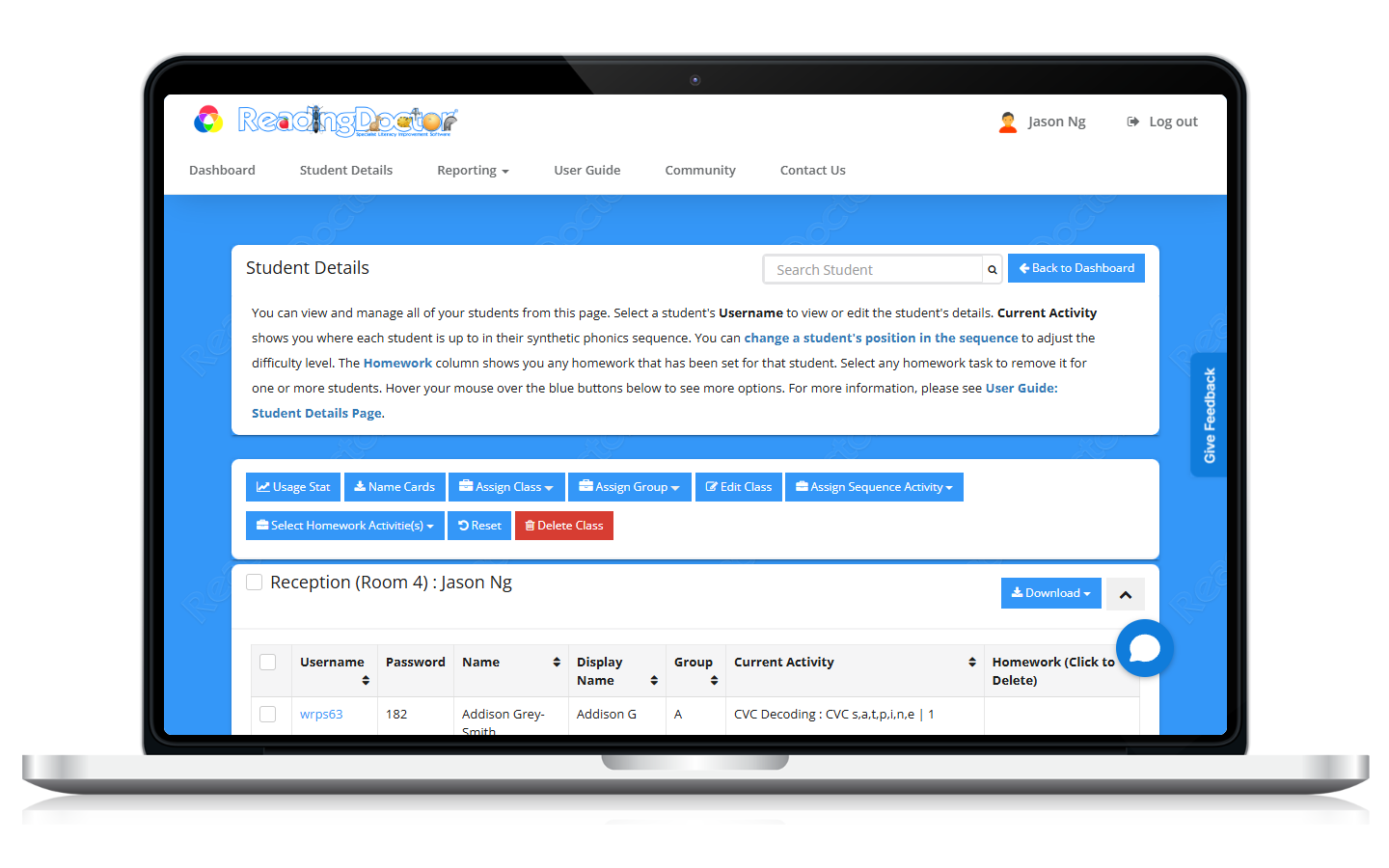
Select the student’s Username to open Edit Student.
Update the required fields, then save your changes.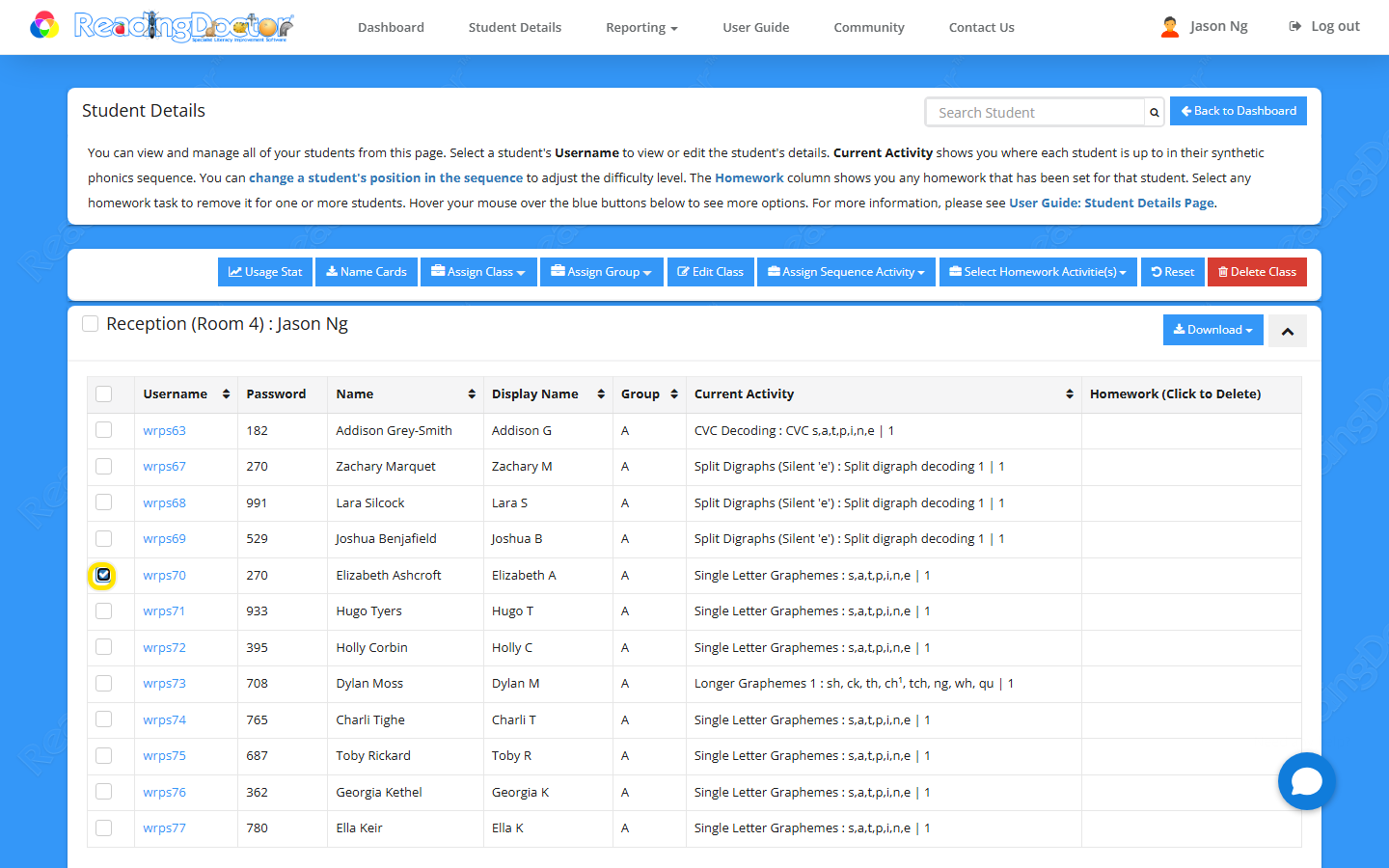
Notes
- Clicking the student Username opens the edit modal.
- Students can log in using a browser at https://login.readingdoctor.com or via the ReadingDoctor® Online iPad app.
Was this article helpful?
That’s Great!
Thank you for your feedback
Sorry! We couldn't be helpful
Thank you for your feedback
Feedback sent
We appreciate your effort and will try to fix the article