You can cancel your ReadingDoctor® subscription at any time through your Parent Dashboard:
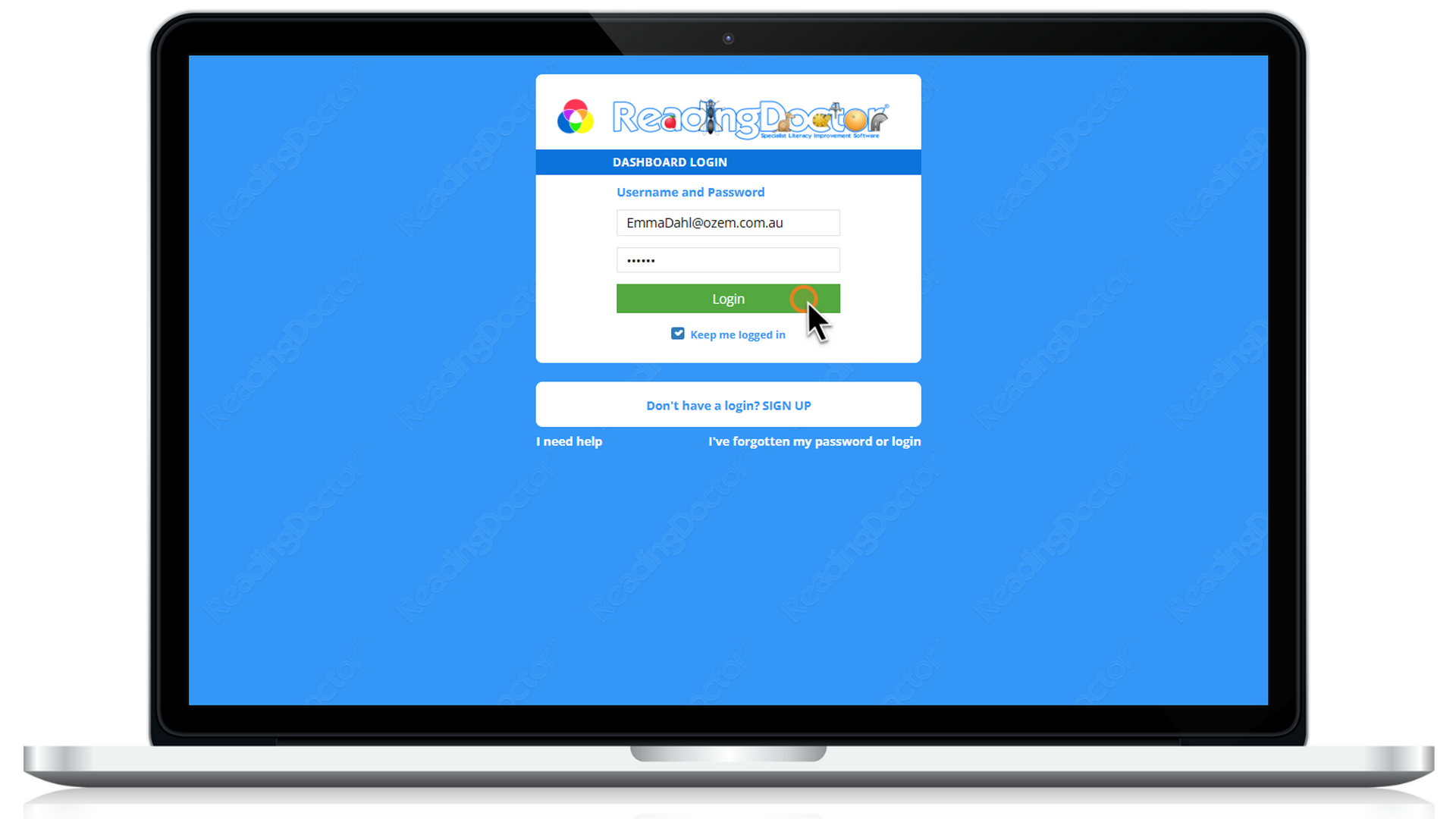
- Log in to your ReadingDoctor® Parent Dashboardon a PC, Mac or Chromebook.
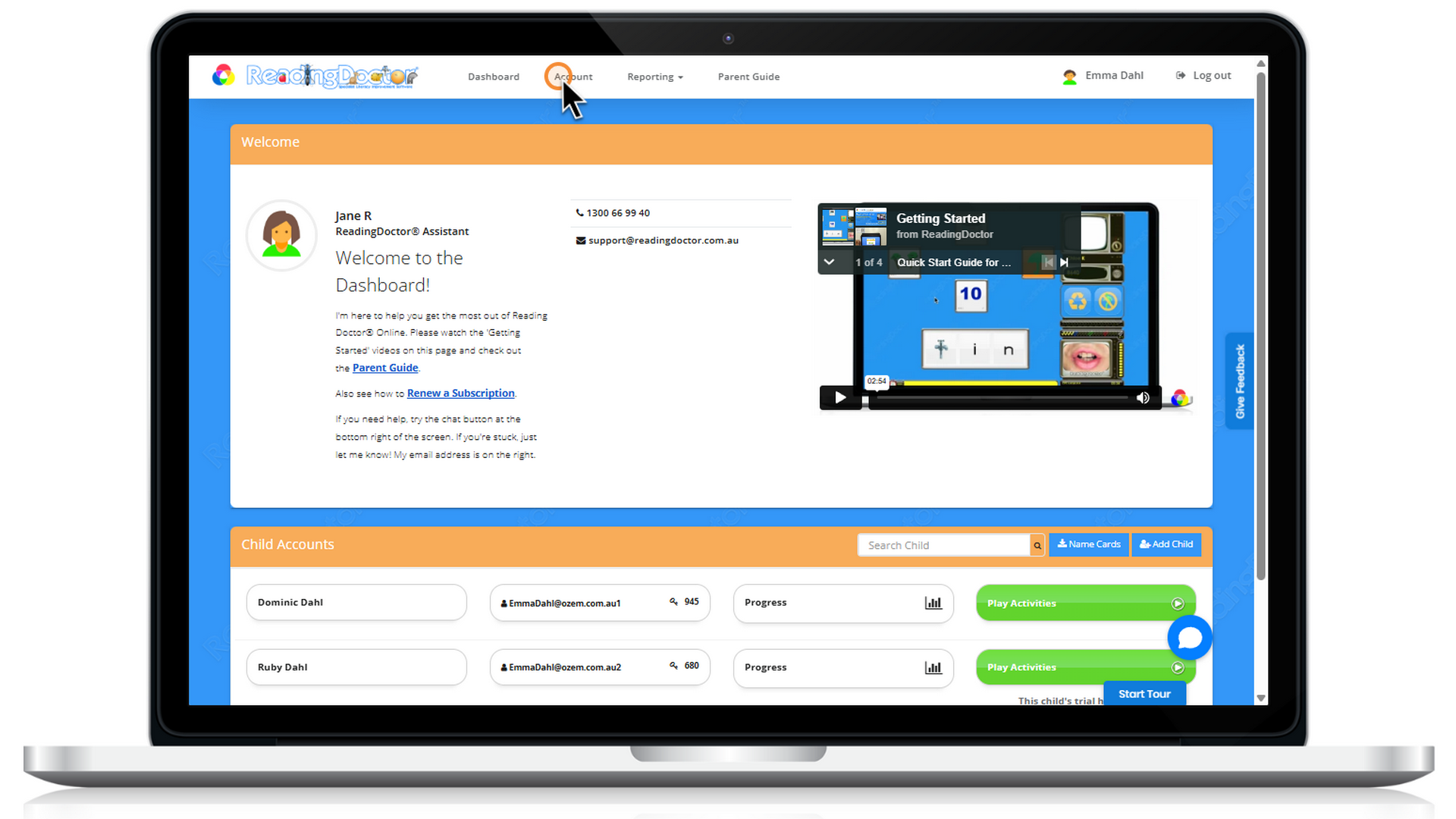
- Click Accountat the top of the page.
- Select Unsubscribefor the child’s subscription you would like to cancel.
If you do not see an Unsubscribe button (if that area says 'Unsubscribed), the subscription has already been cancelled.
Your child will continue to have access until the current subscription expiry date.
If you need any help with cancelling your subscription, please let us know.
Was this article helpful?
That’s Great!
Thank you for your feedback
Sorry! We couldn't be helpful
Thank you for your feedback
Feedback sent
We appreciate your effort and will try to fix the article