You can continue using ReadingDoctor® Online by purchasing an annual subscription.
To subscribe:
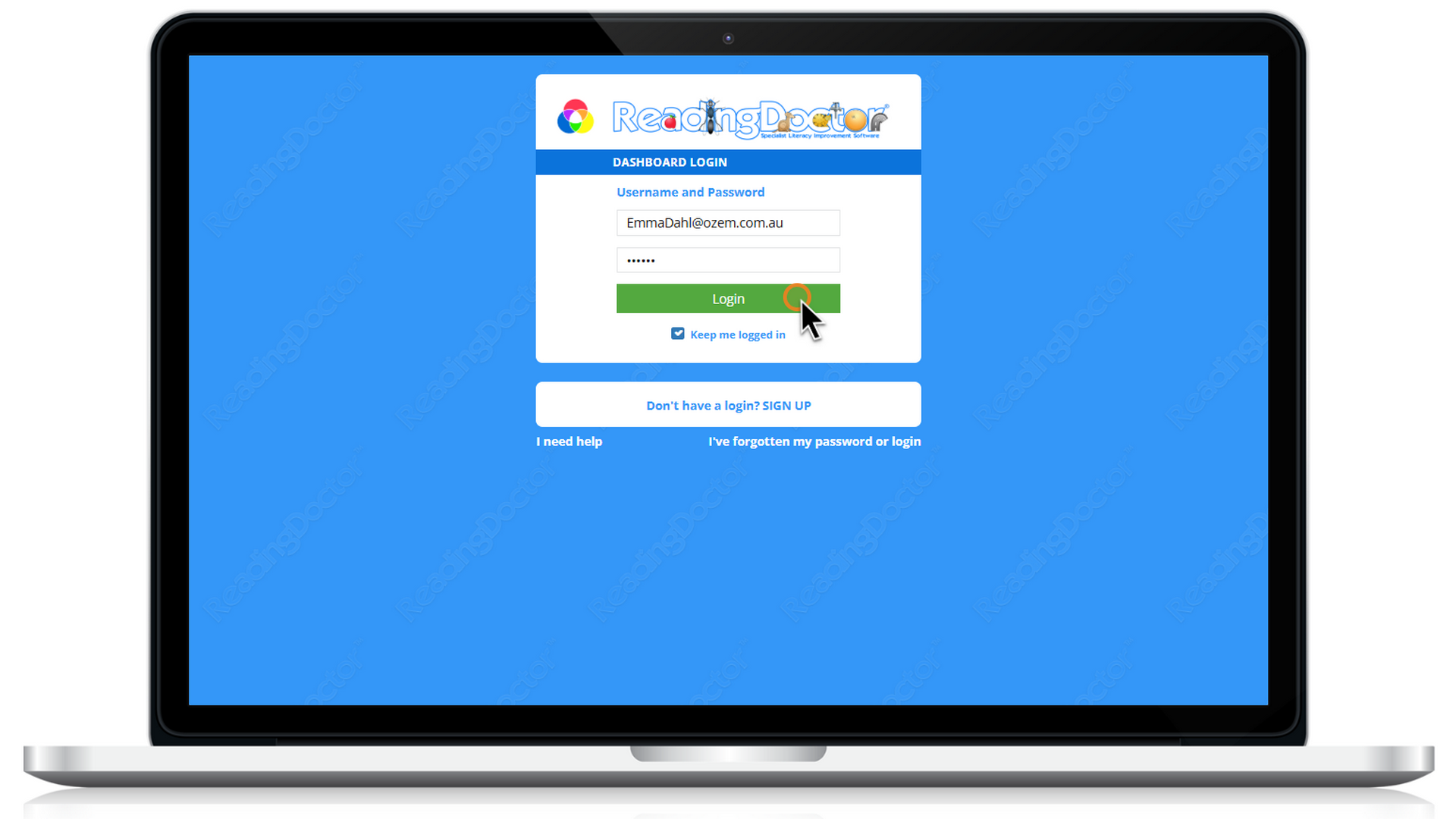
- Log in to your Dashboard using the parent username and password emailed to you when your trial began.
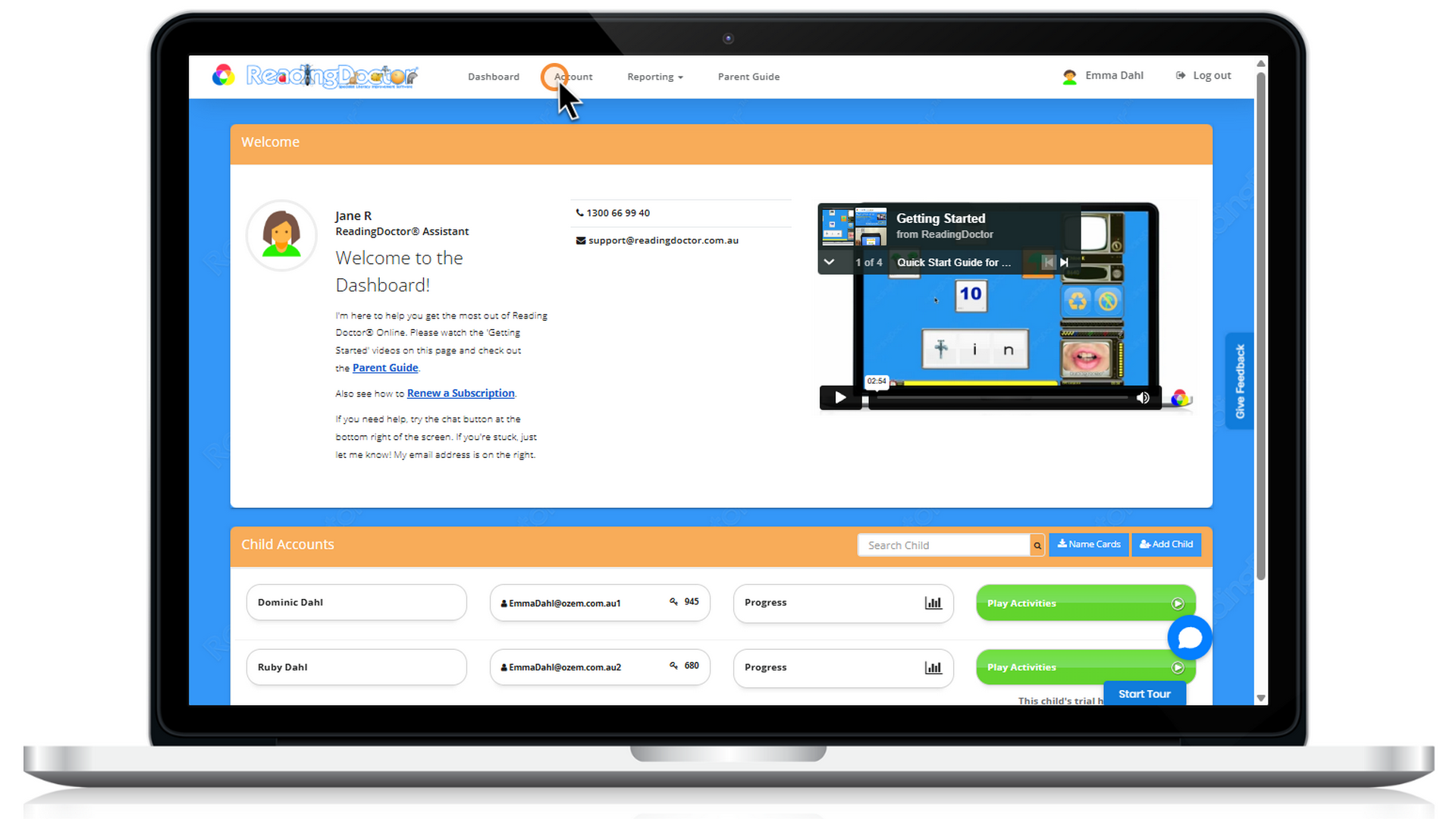
- Click Account at the top of the page. Alternatively, select Renew Now beside the child whose trial has finished.
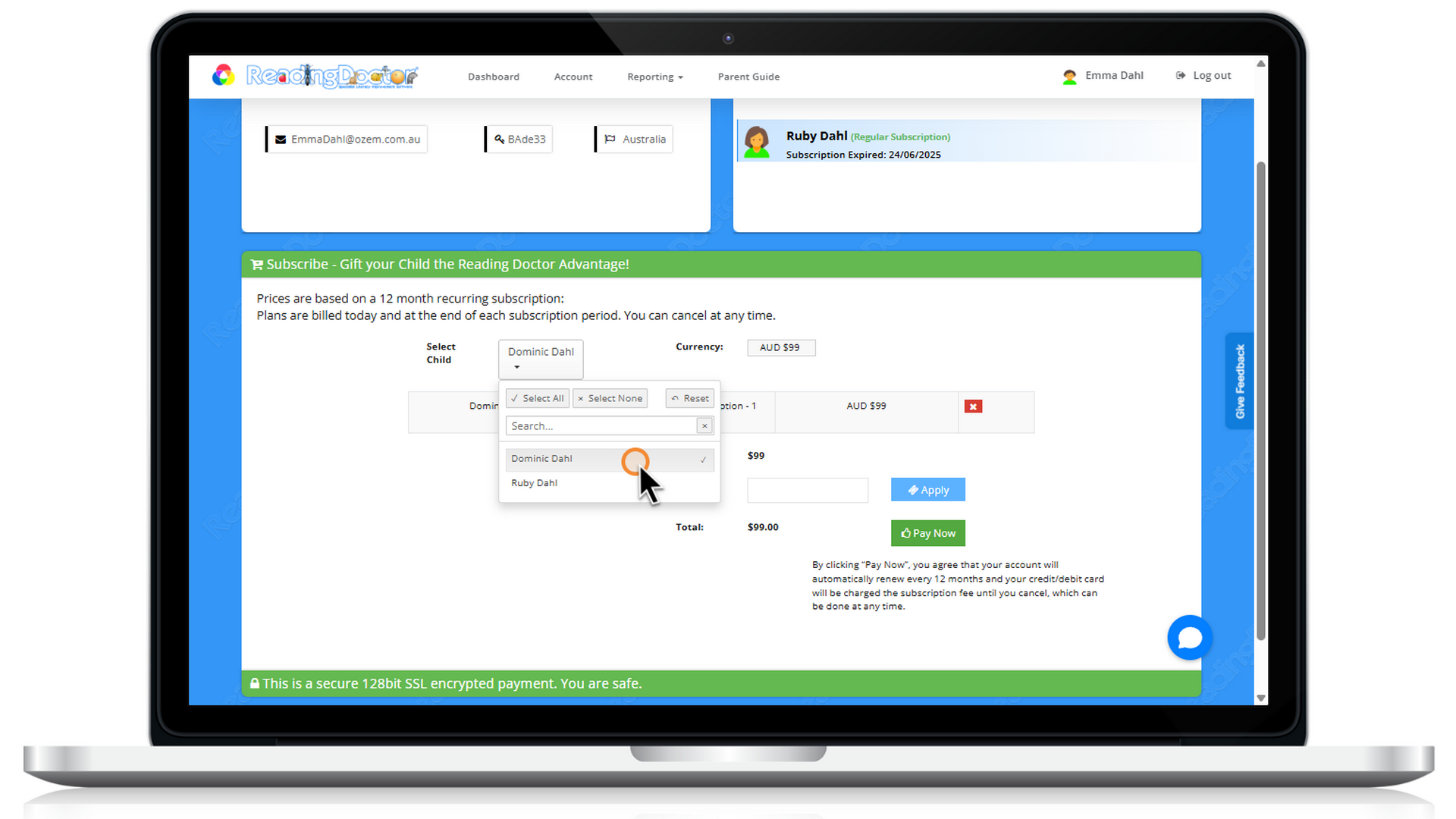
- Select the child or children you would like to subscribe for.
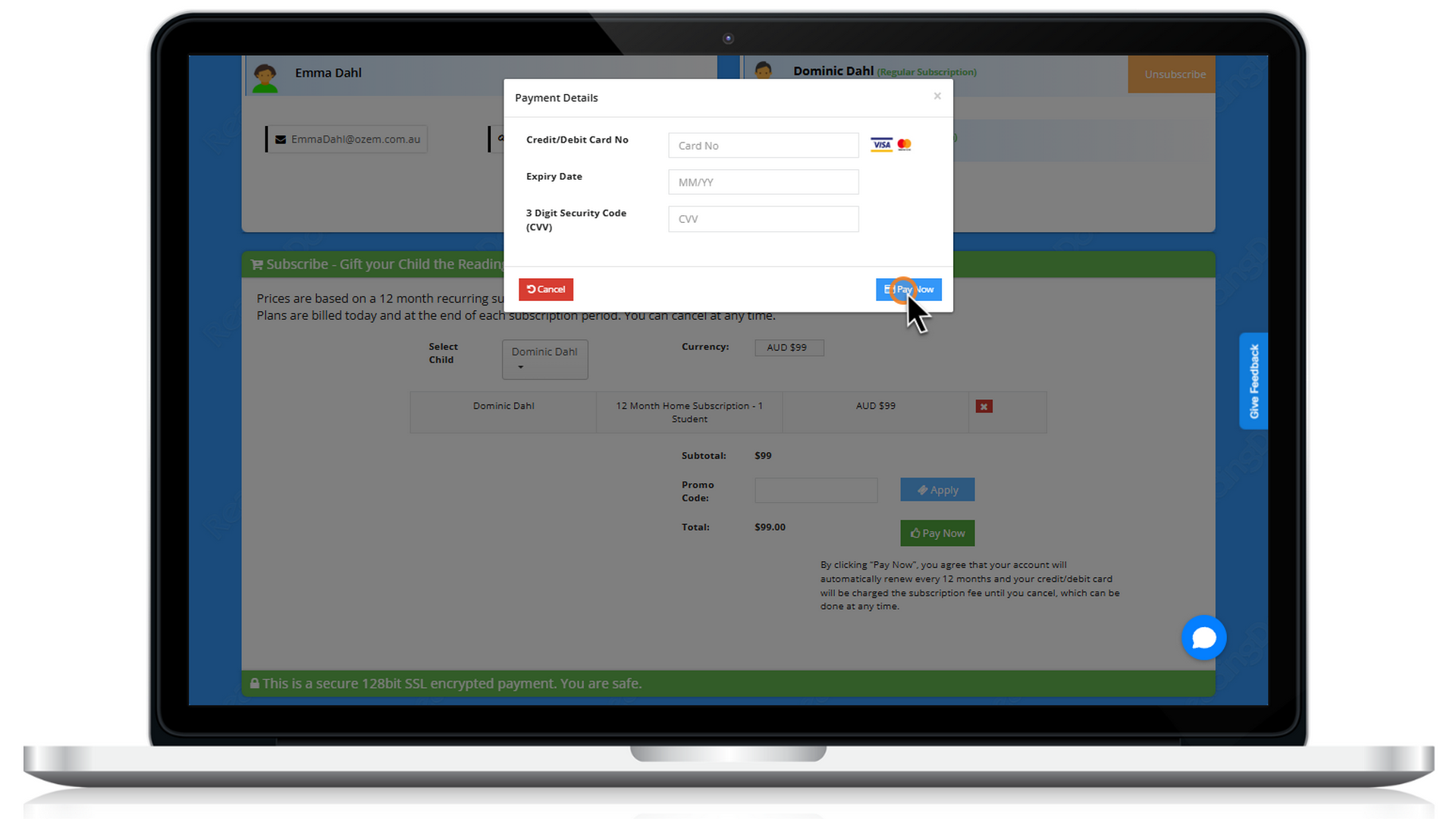
- Click Pay Now, enter your payment details
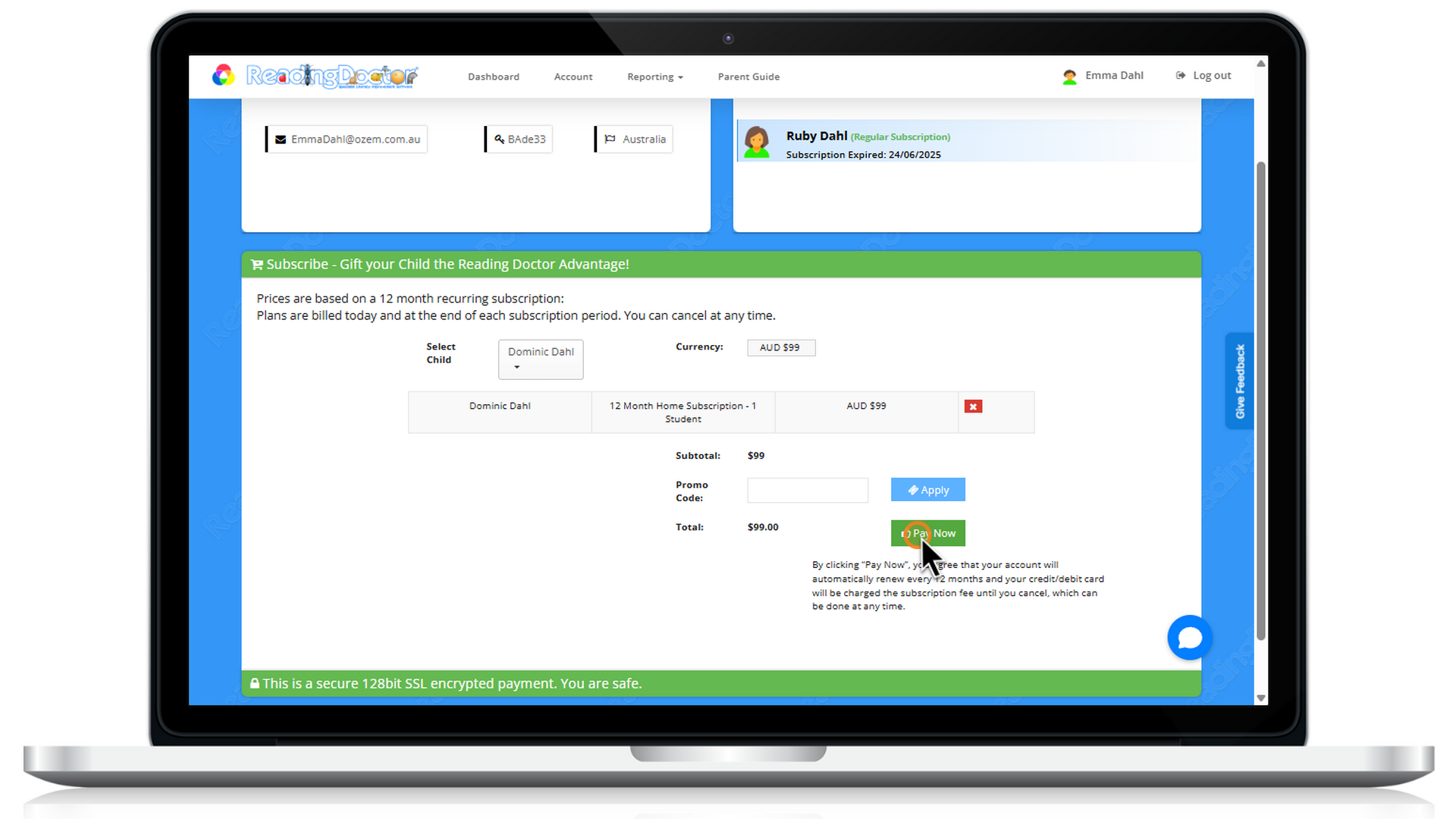
- Add your Payment Details, then click Pay Now to complete the purchase.
Please note that you can cancel your subscription at any time. If you have any difficulty accessing your Dashboard or completing payment, please let us know and we will be happy to help.
Was this article helpful?
That’s Great!
Thank you for your feedback
Sorry! We couldn't be helpful
Thank you for your feedback
Feedback sent
We appreciate your effort and will try to fix the article