Accessing the ReadingDoctor® Community
Use this guide to open the ReadingDoctor® Community from the ReadingDoctor® Online Dashboard.
Requirements
- Account type: ReadingDoctor® Administrator or teacher with Dashboard access
- Dashboard login details
Steps
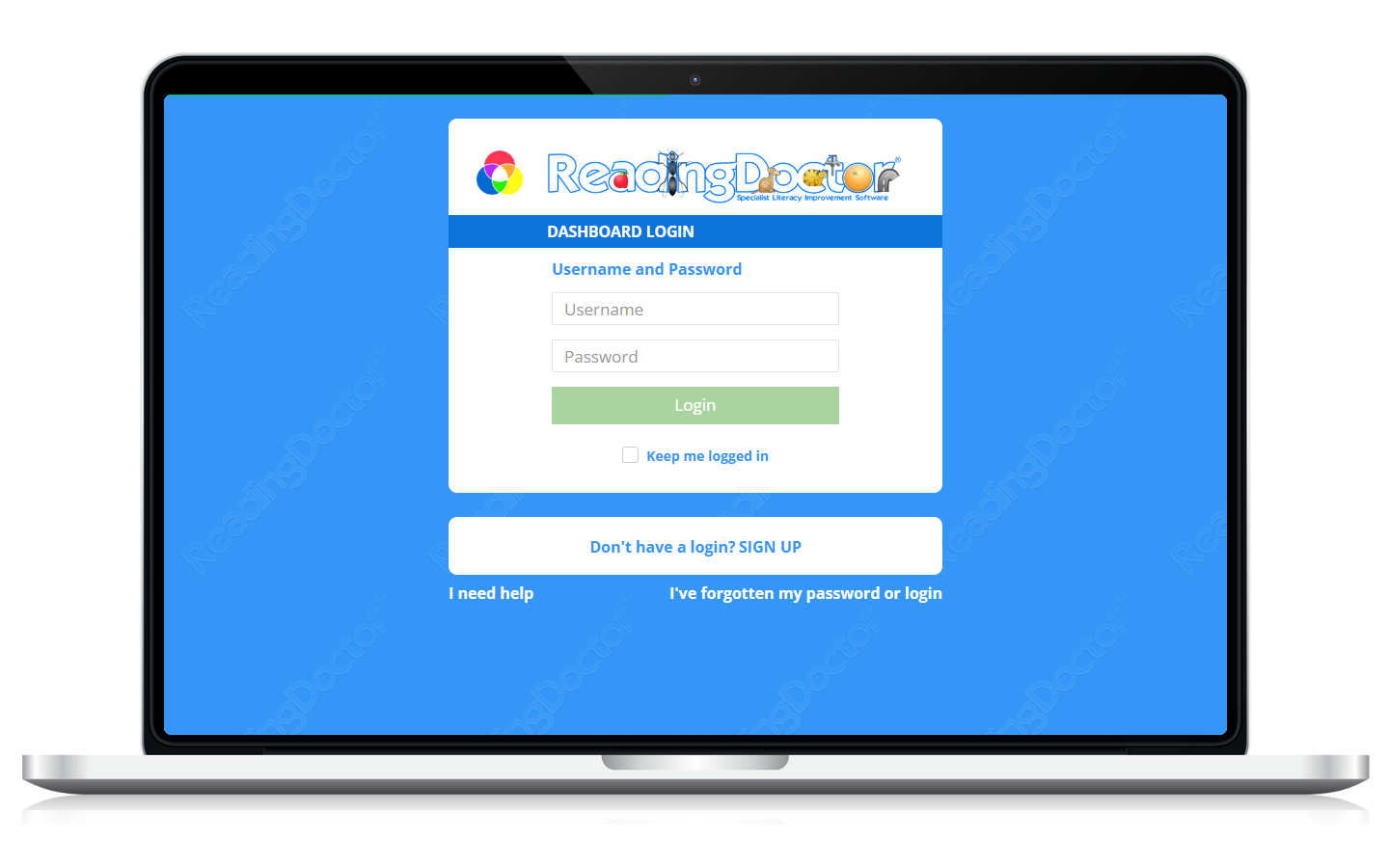
- Log in to the Dashboard.
Go to https://dashboard.readingdoctor.com
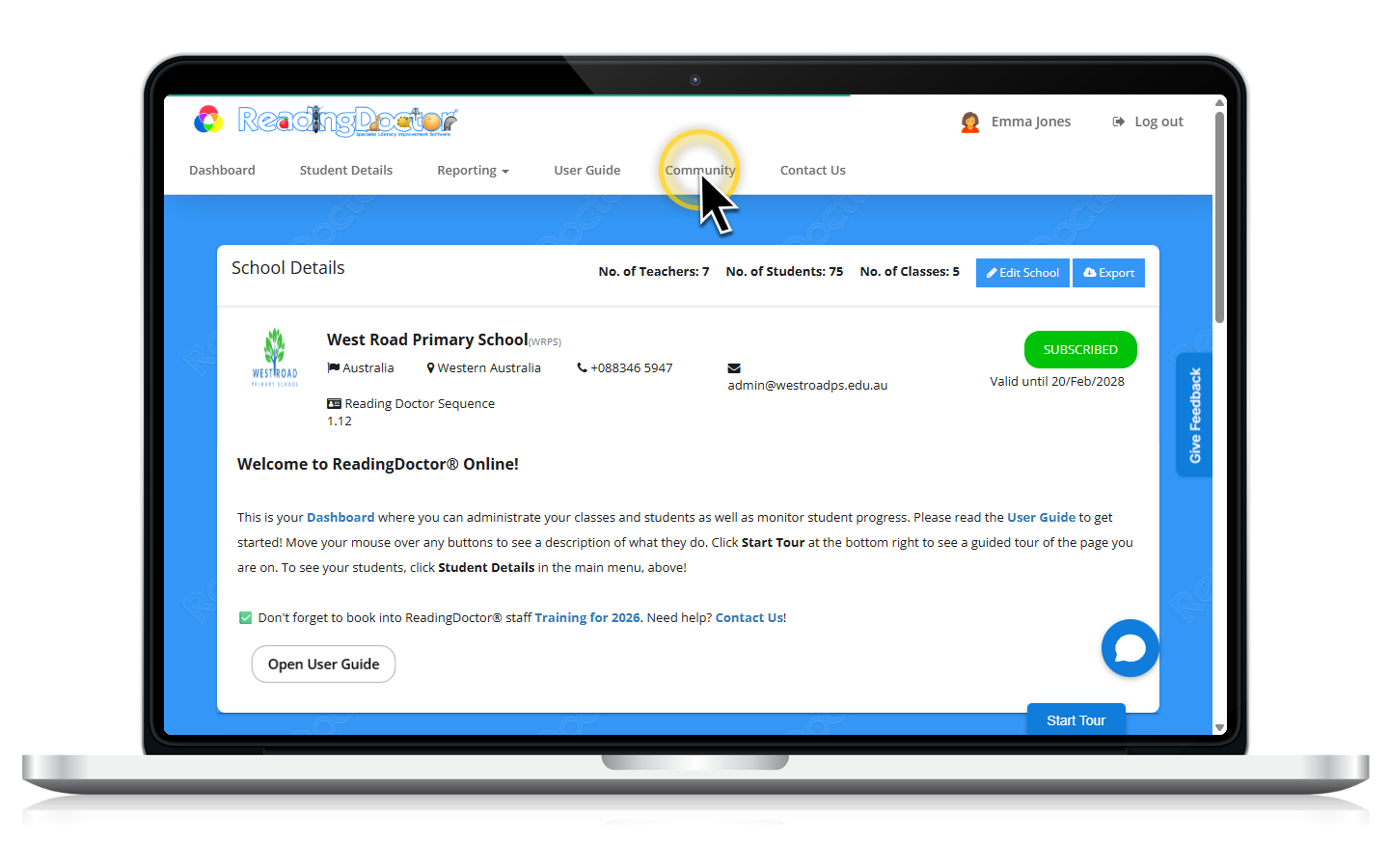
- Click Community in the top navigation.
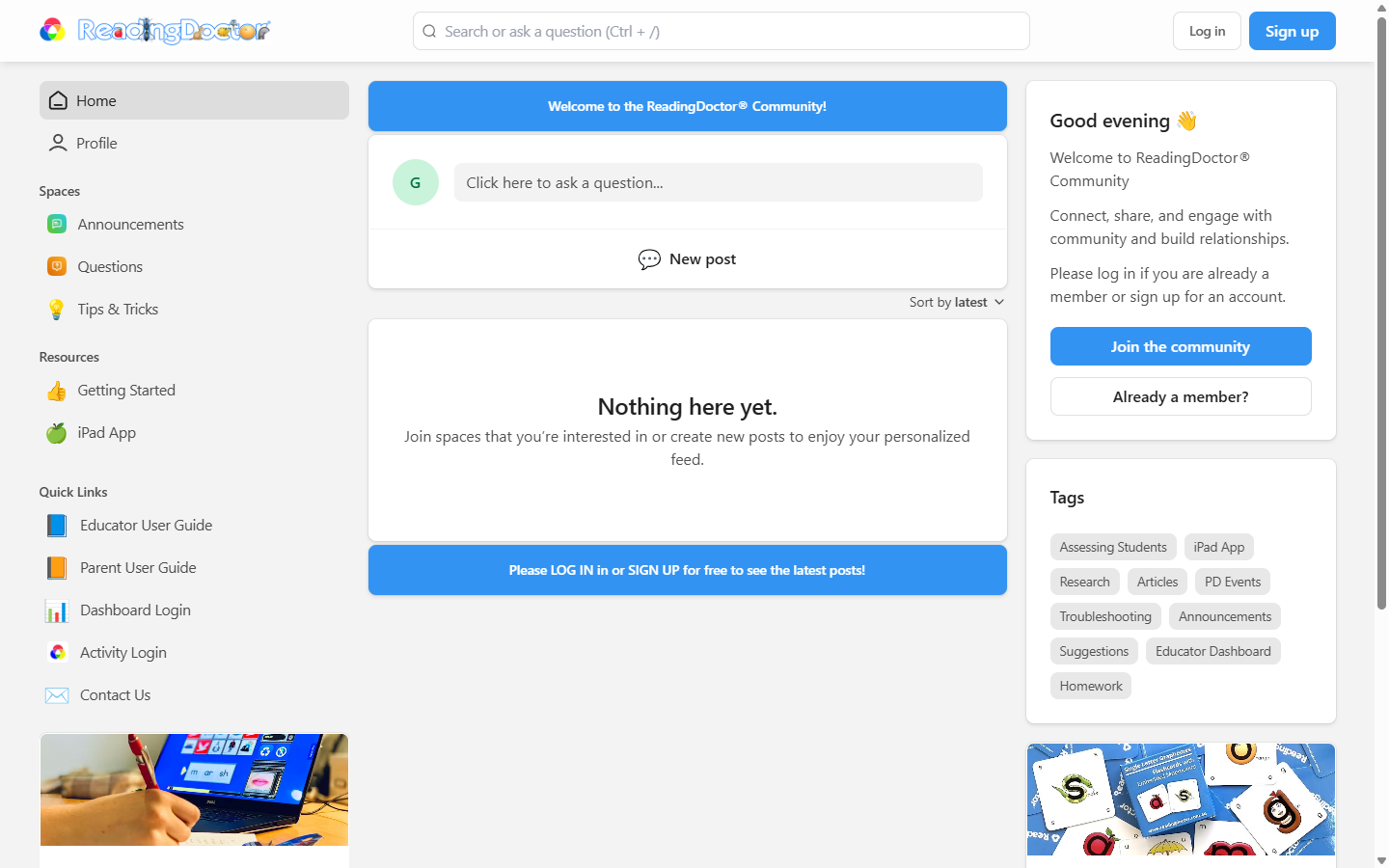
- Confirm the ReadingDoctor® Community page opens.
From here, you can search, browse, or log in/sign up!
Was this article helpful?
That’s Great!
Thank you for your feedback
Sorry! We couldn't be helpful
Thank you for your feedback
Feedback sent
We appreciate your effort and will try to fix the article