How to edit your teacher details
Use this guide to update your teacher profile details in the ReadingDoctor® Online Dashboard.
Requirements
- Account type: ReadingDoctor® Administrator or teacher
- Dashboard login details for your account
Video Guide
Steps
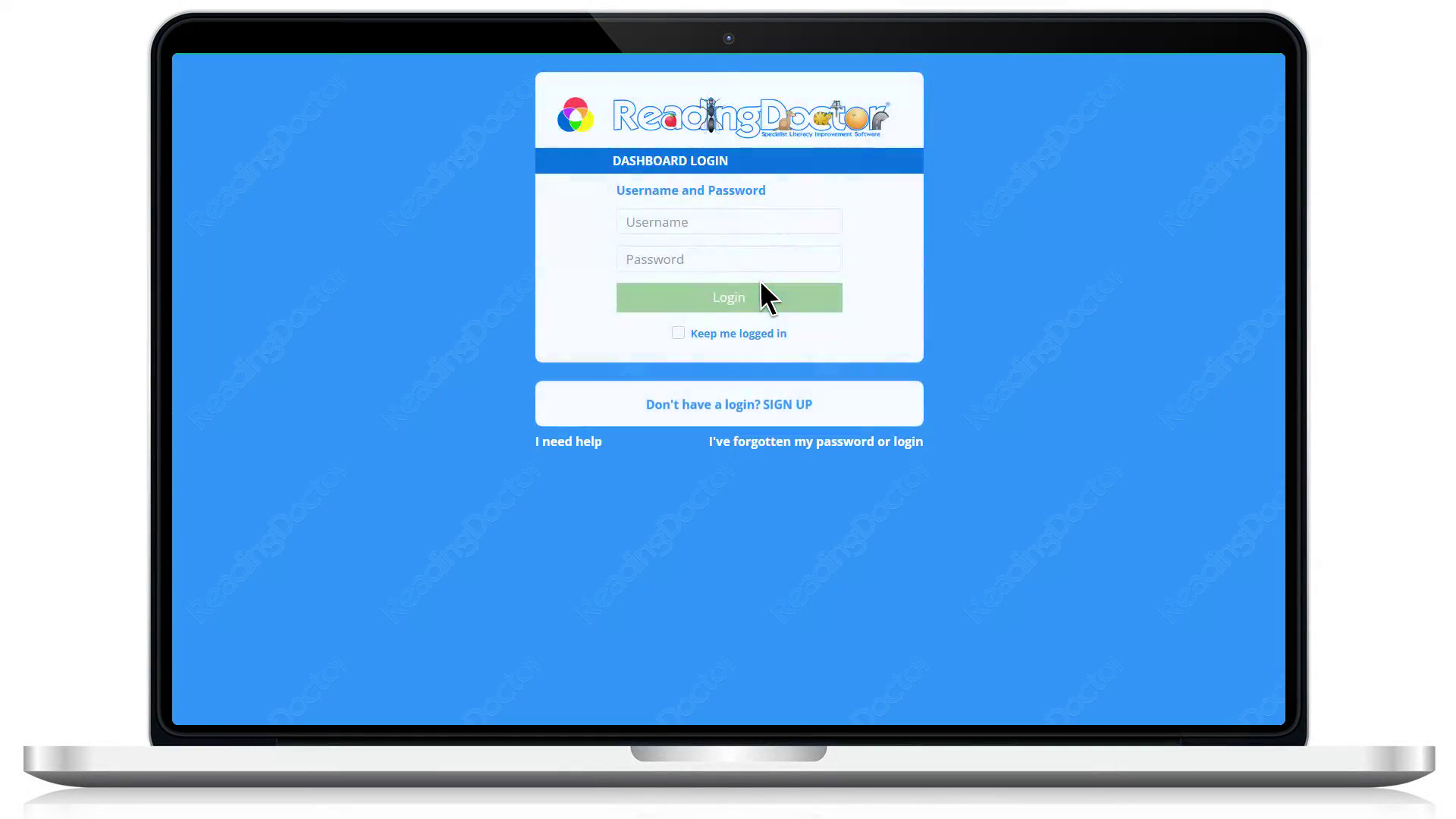
- Open the Dashboard login page.
Go to https://dashboard.readingdoctor.com
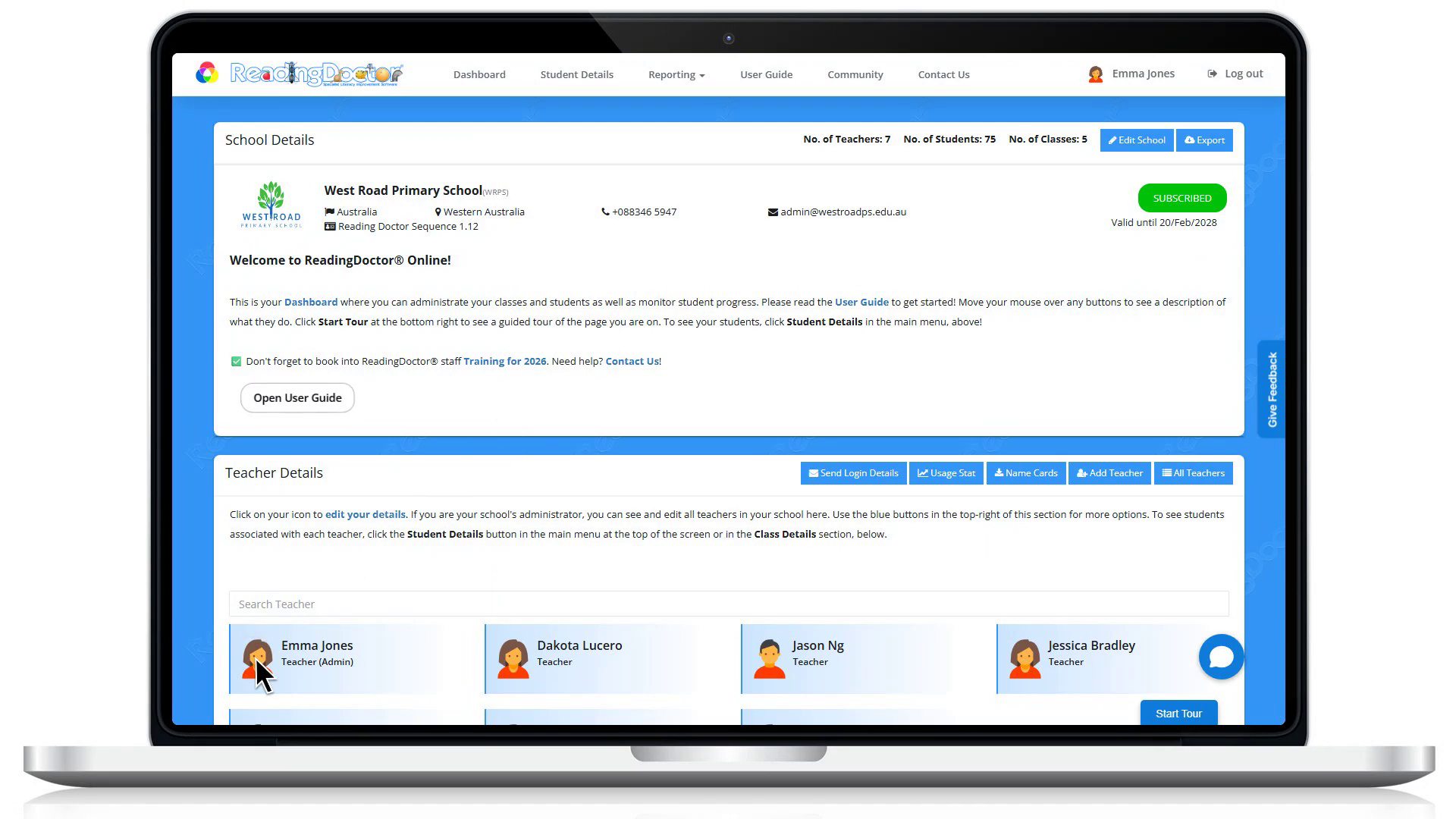
- Click the teacher icon next to your name.
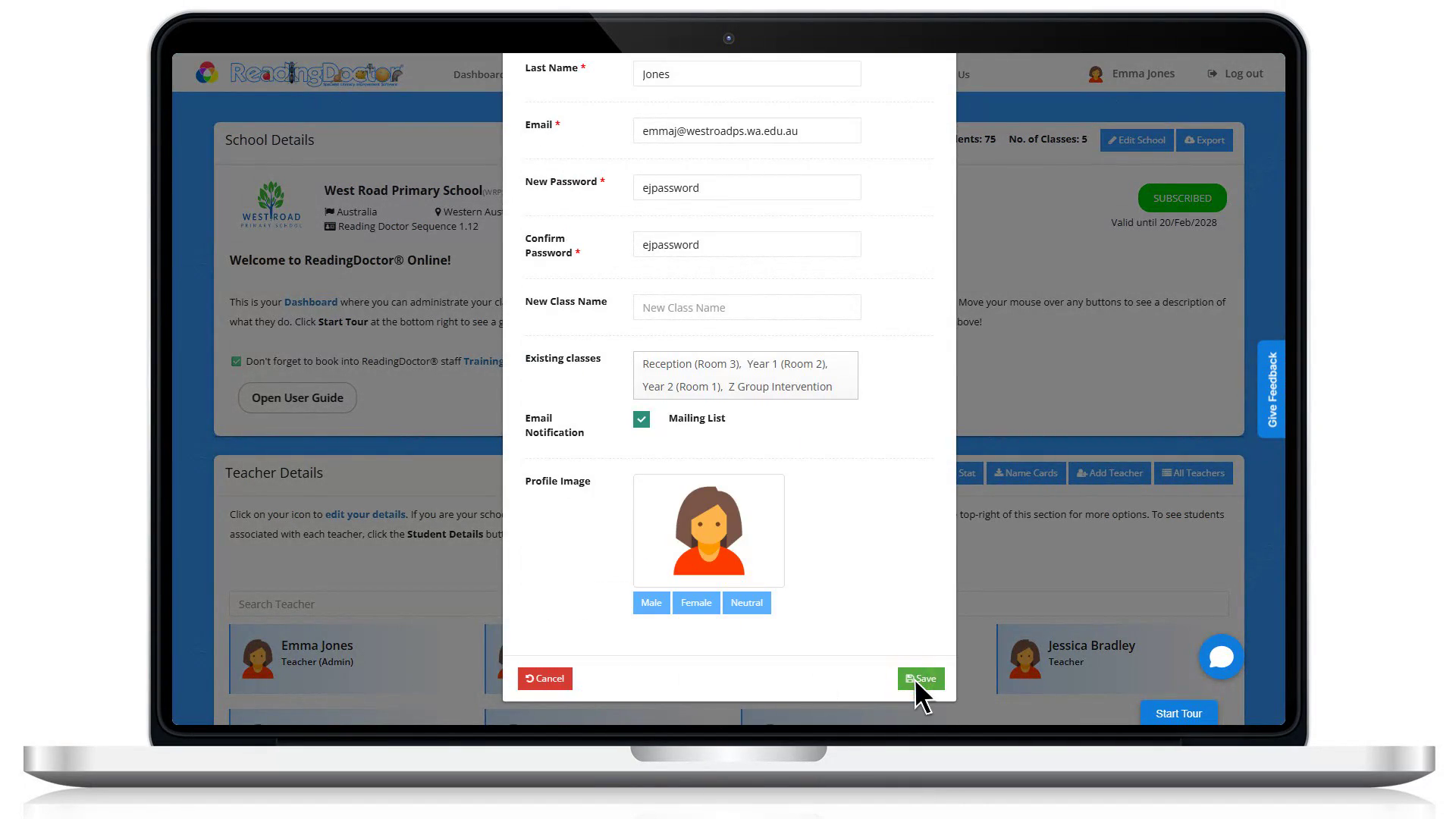
- Make the changes you need, then click Save.
Notes
- If you cannot edit your details, contact your ReadingDoctor® Administrator.
Was this article helpful?
That’s Great!
Thank you for your feedback
Sorry! We couldn't be helpful
Thank you for your feedback
Feedback sent
We appreciate your effort and will try to fix the article