How to assign students to a new class
Use this guide to move selected students into a different class.
Requirements
- Account type: ReadingDoctor® Administrator or teacher with class-management permissions
- Dashboard login details for the account above
- At least two classes in your school account
Steps
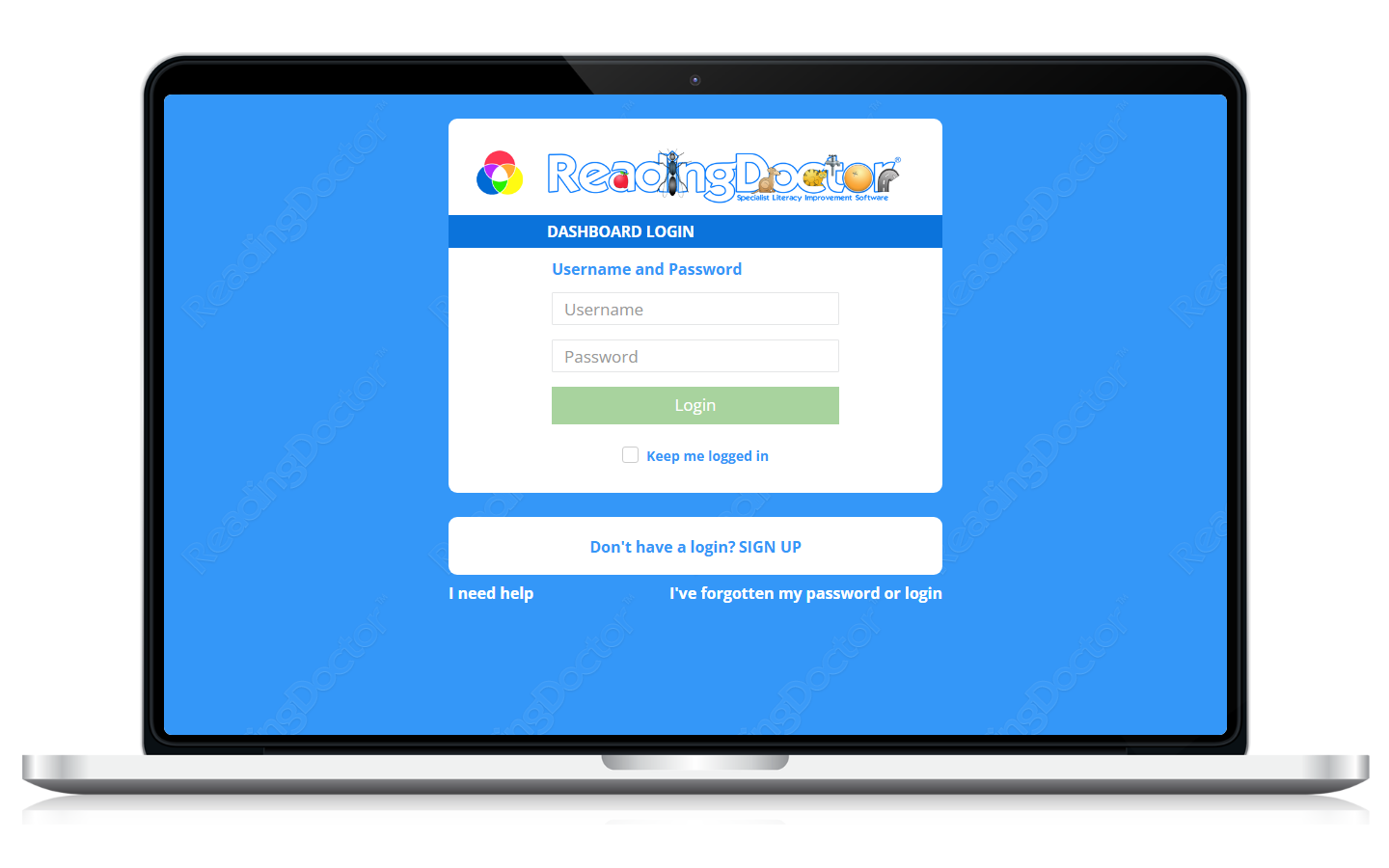
- Open the Dashboard login page and sign in.
Go to https://dashboard.readingdoctor.com
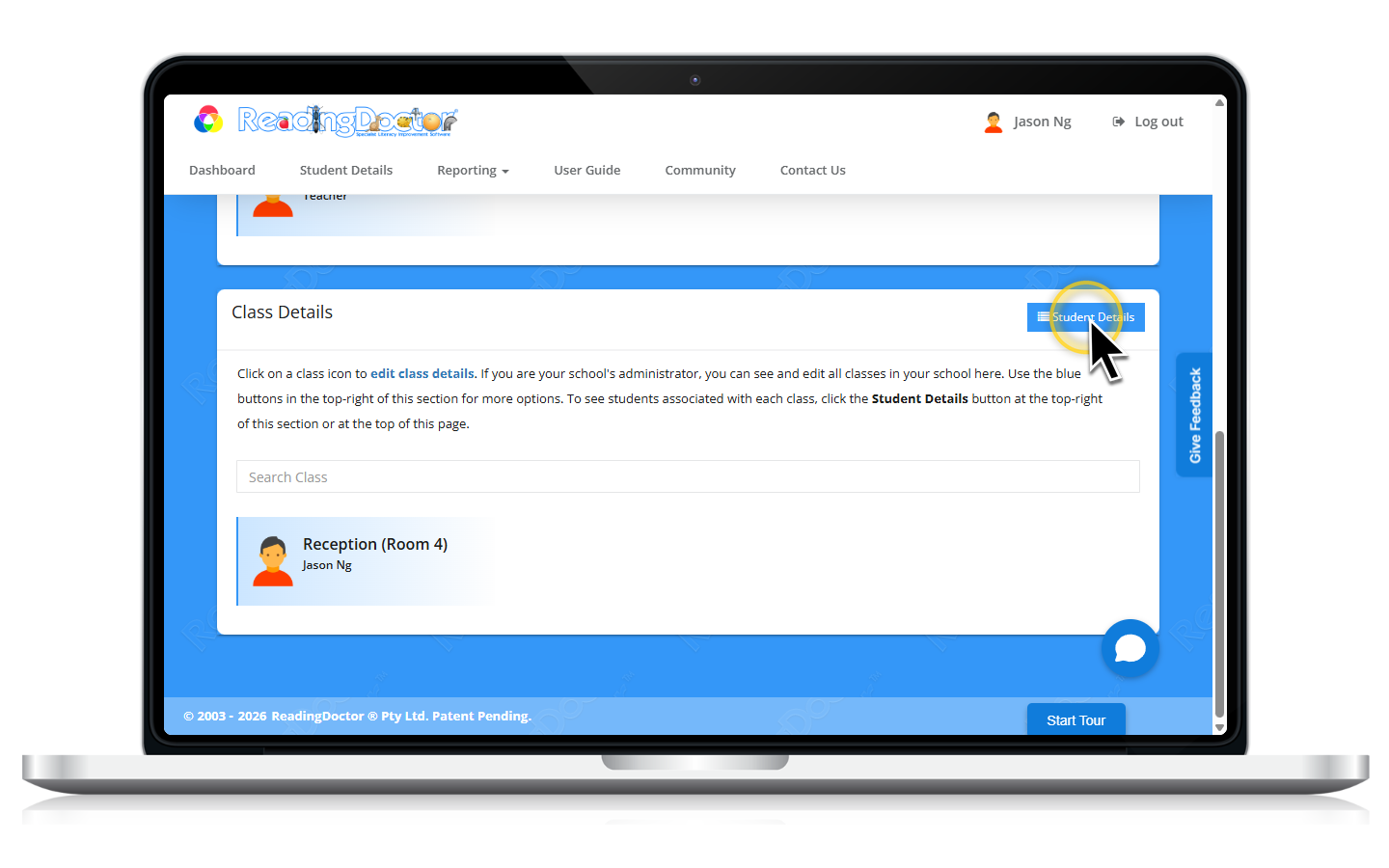
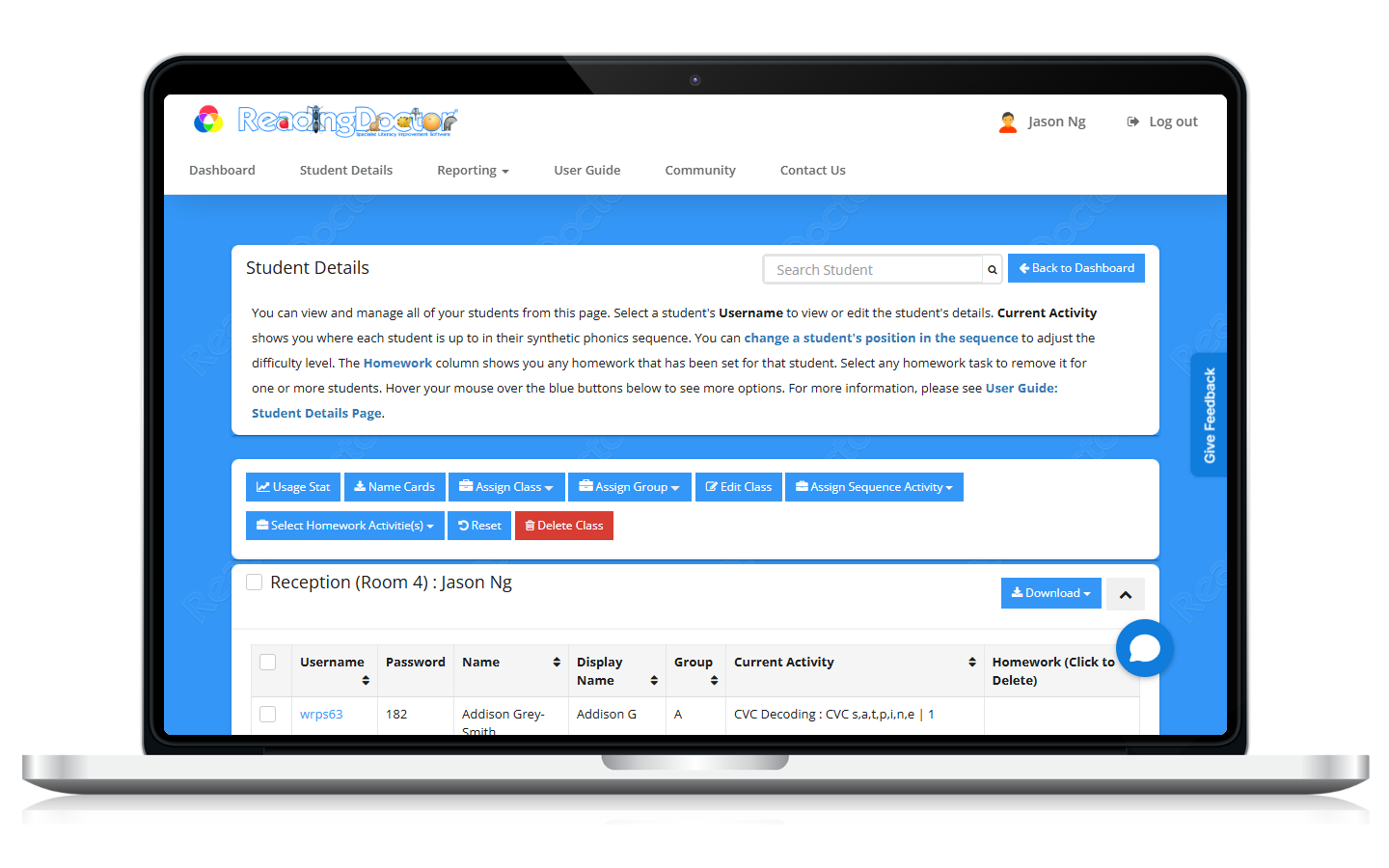
- Open Student Details.
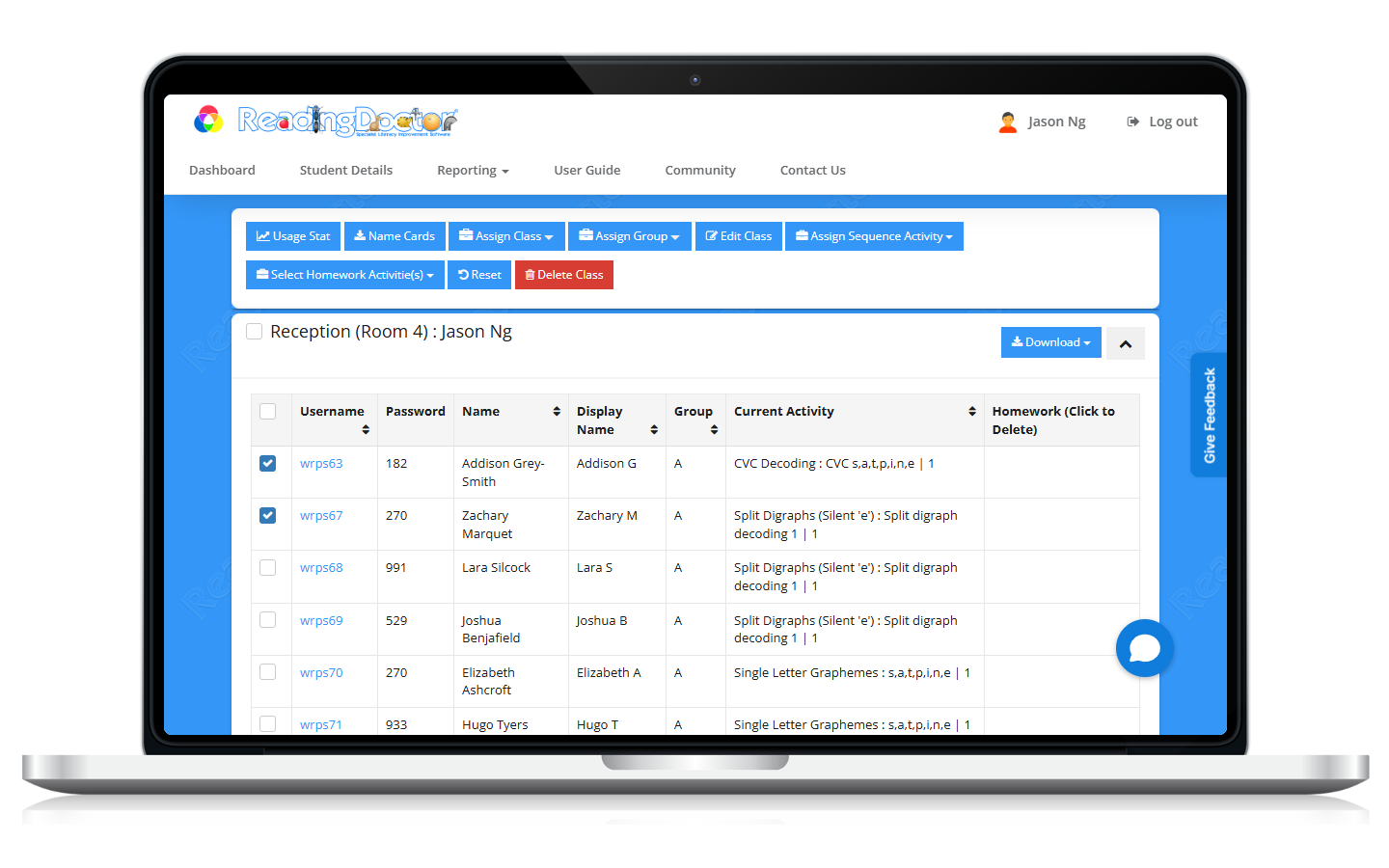
- Select the student(s) to move.
Tick one or more student checkboxes.
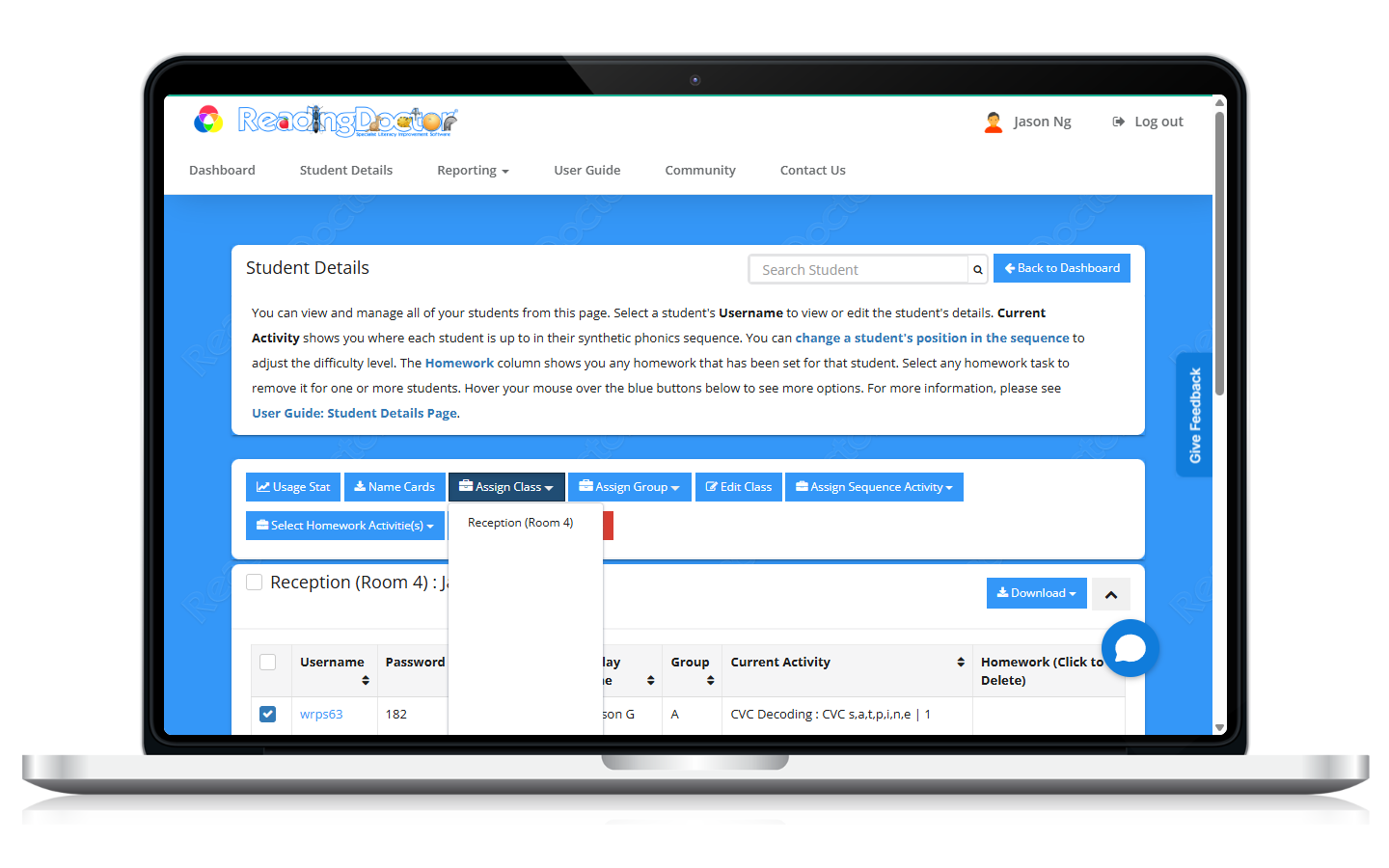
- Choose the class reassignment option.
Select the destination class.
- Save and confirm.
Check the student list or destination class to verify reassignment.
Was this article helpful?
That’s Great!
Thank you for your feedback
Sorry! We couldn't be helpful
Thank you for your feedback
Feedback sent
We appreciate your effort and will try to fix the article