How to add a new class
Use this guide to create a new class in the ReadingDoctor® Online Dashboard.
This action requires a ReadingDoctor® Online Administrator account.
Requirements
- Account type: ReadingDoctor® Administrator
- ReadingDoctor® Administrator Login Details
- Permission to manage classes
Steps
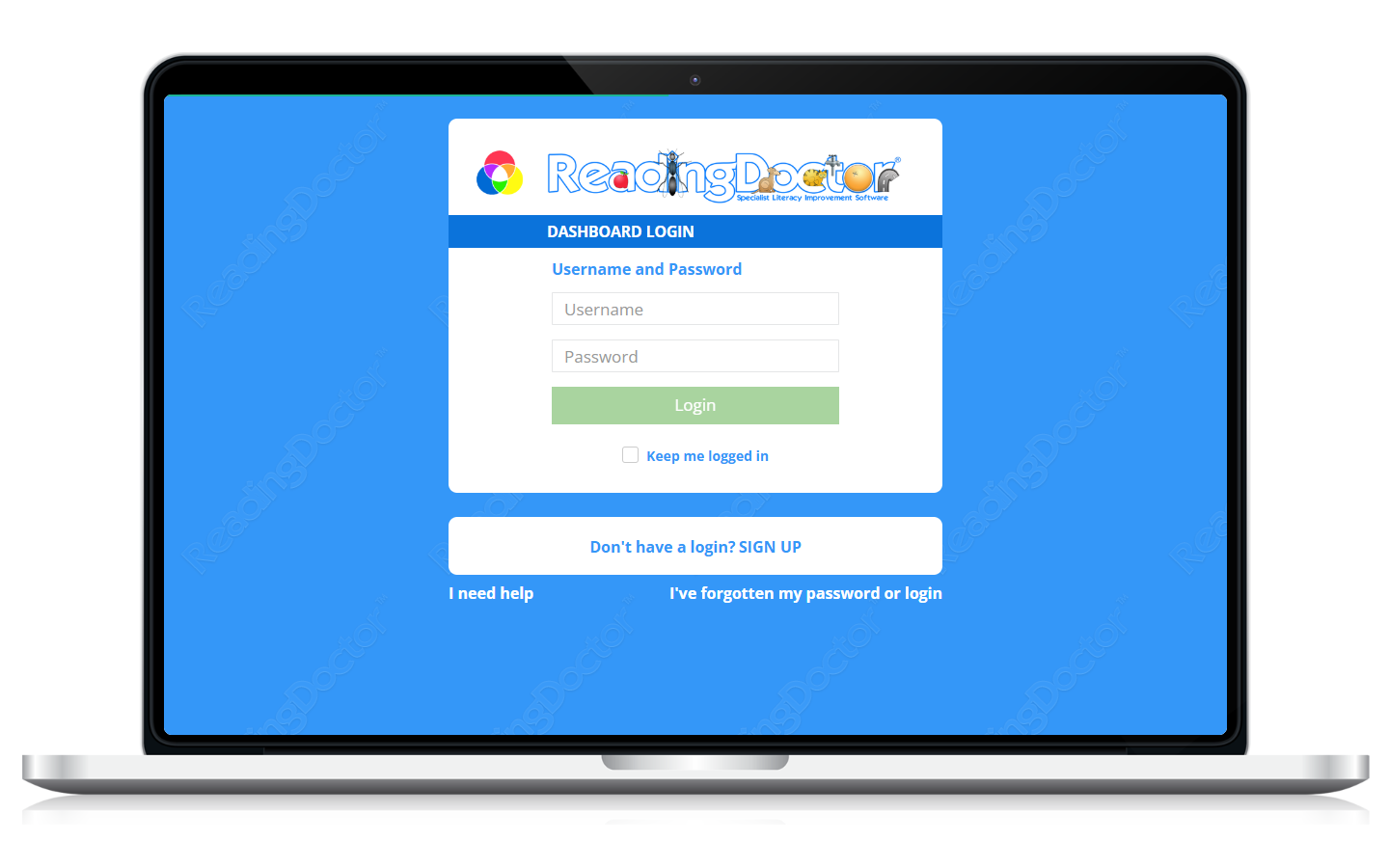
- Open the Dashboard login page and sign in.
Go to https://dashboard.readingdoctor.com
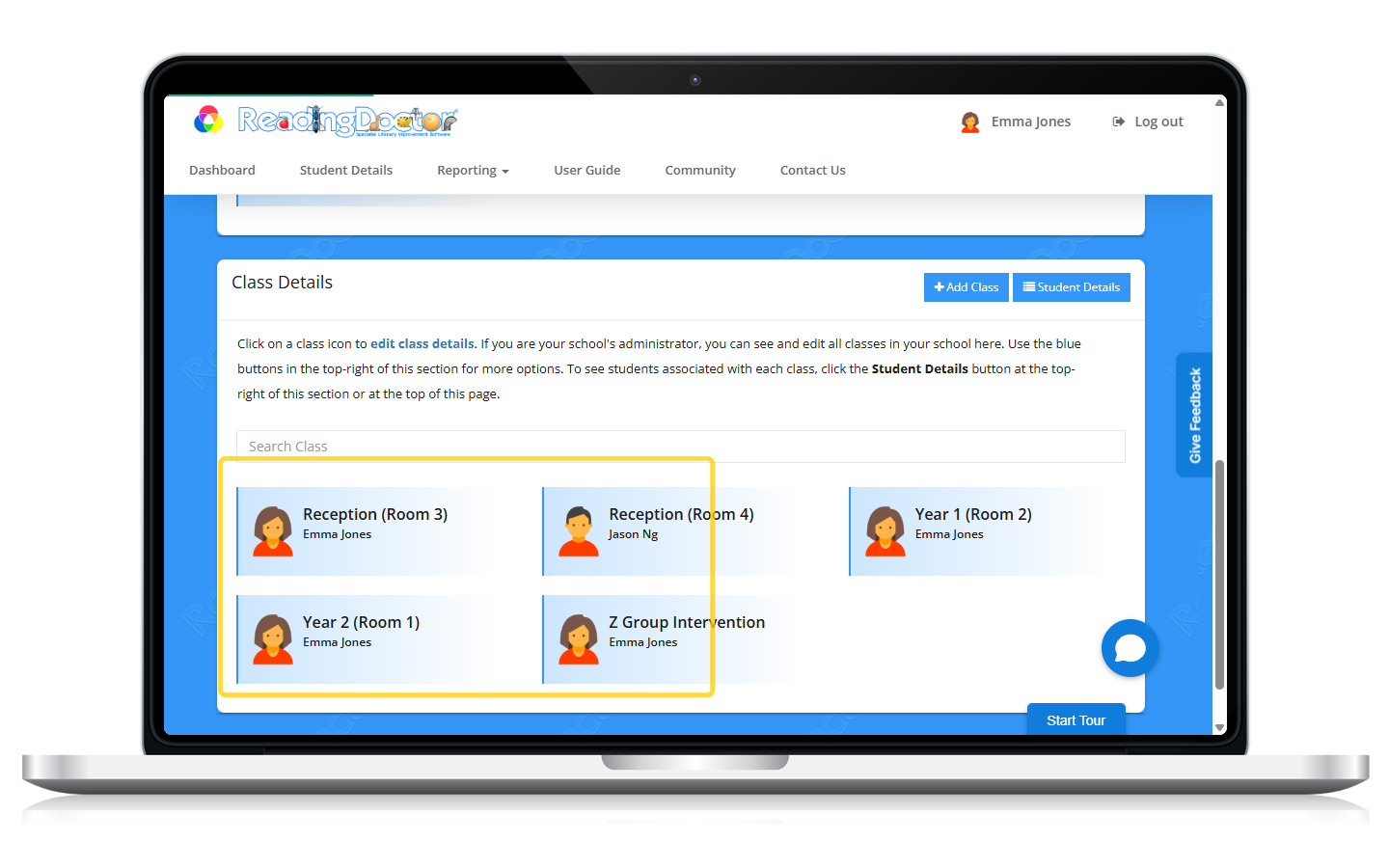
- Open Class Details.
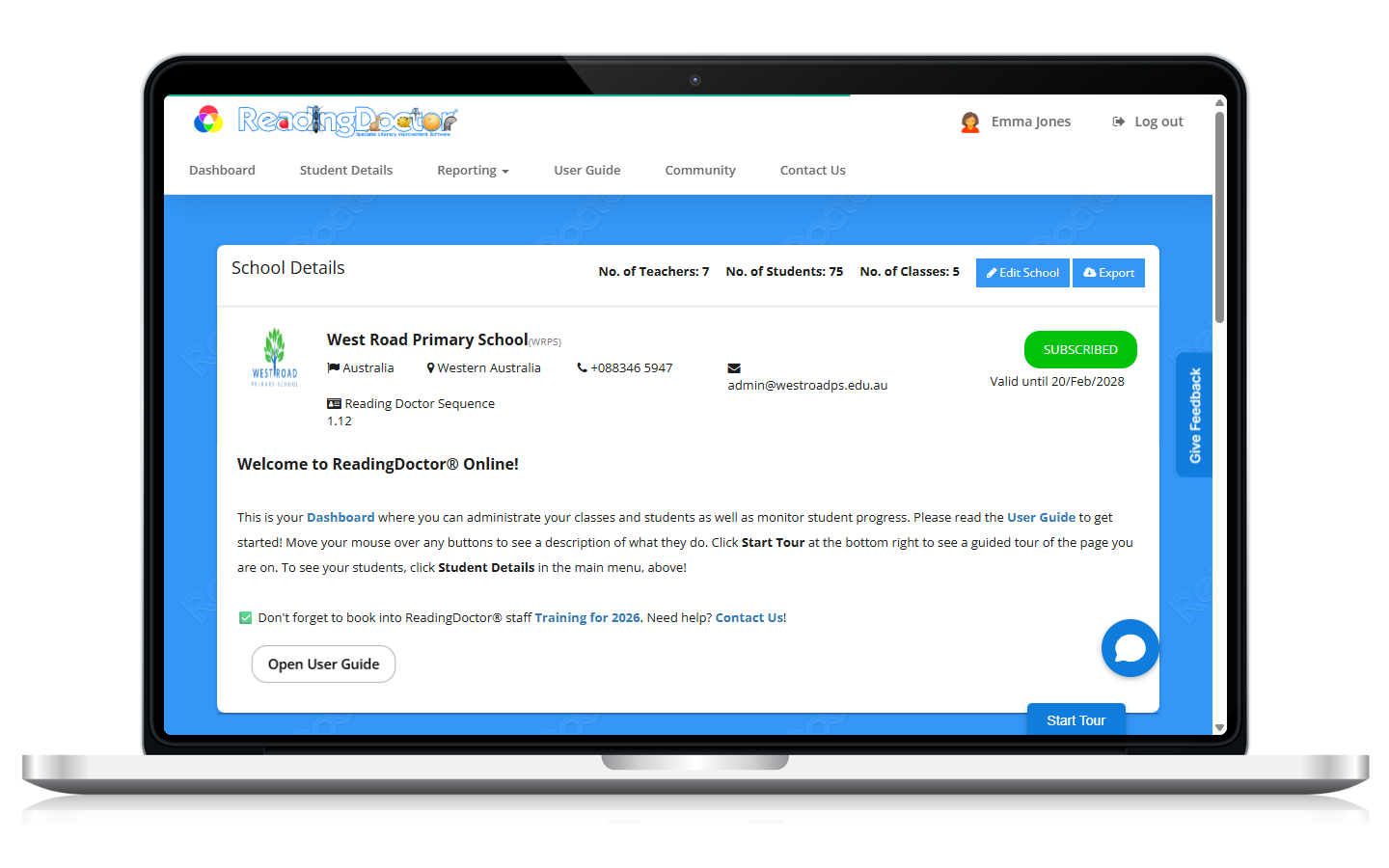
- Click Add Class.
Open the new class form.
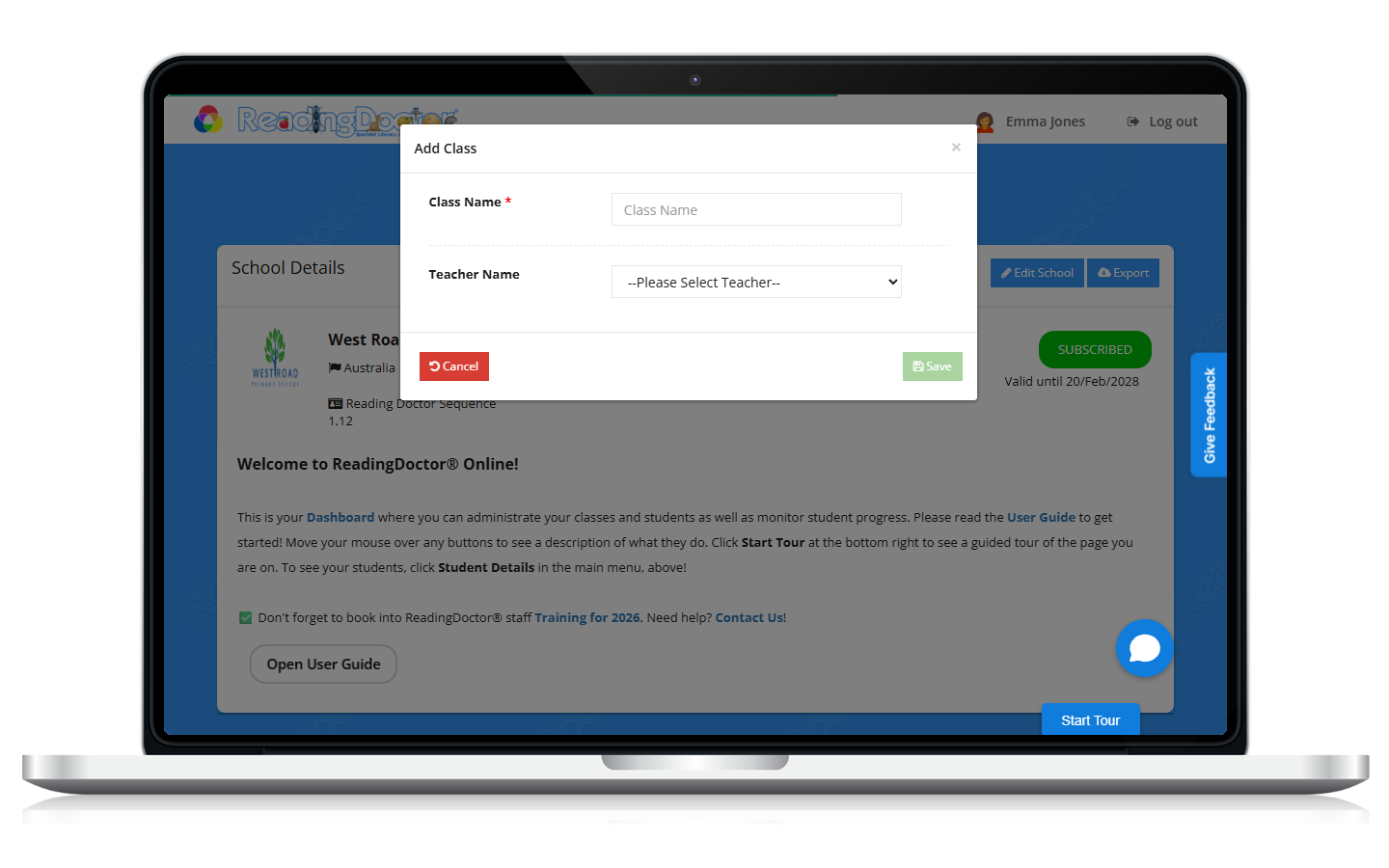
- Enter class details and save.
Complete required fields, then save the class.
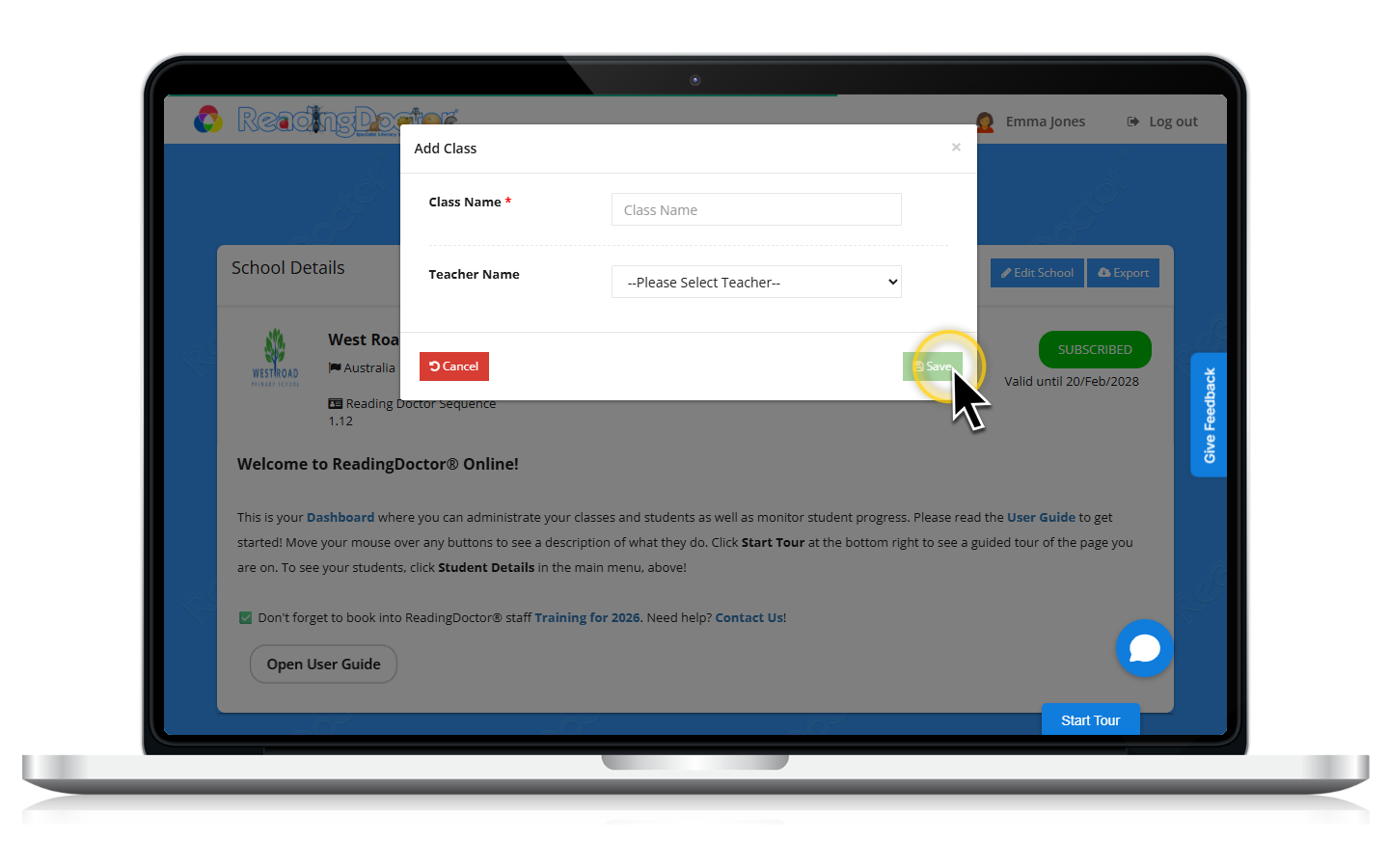
- Confirm the class appears in the class list.
Was this article helpful?
That’s Great!
Thank you for your feedback
Sorry! We couldn't be helpful
Thank you for your feedback
Feedback sent
We appreciate your effort and will try to fix the article